Built from the rulebook, not marketed to it
Configure and test the risk controls for your account. Enabled limits can stop new entries and request closure of open positions, but cannot guarantee an execution price or prevent every breach. Gaps, slippage, disconnections and an inactive terminal can leave losses beyond a configured threshold. Generic defaults are not a firm-specific risk plan.
The four rules that actually end accounts
Compare the firm's current daily-reset time, balance/equity basis, static or trailing drawdown, consistency and news rules with the actual terminal settings. The published MT5 source resets its daily balance on the broker-server day. Its generic Custom preset has no daily-loss limit configured, and the news filter is off until enabled. A named preset does not automatically implement every current programme rule.
Validated setfiles, and what that means
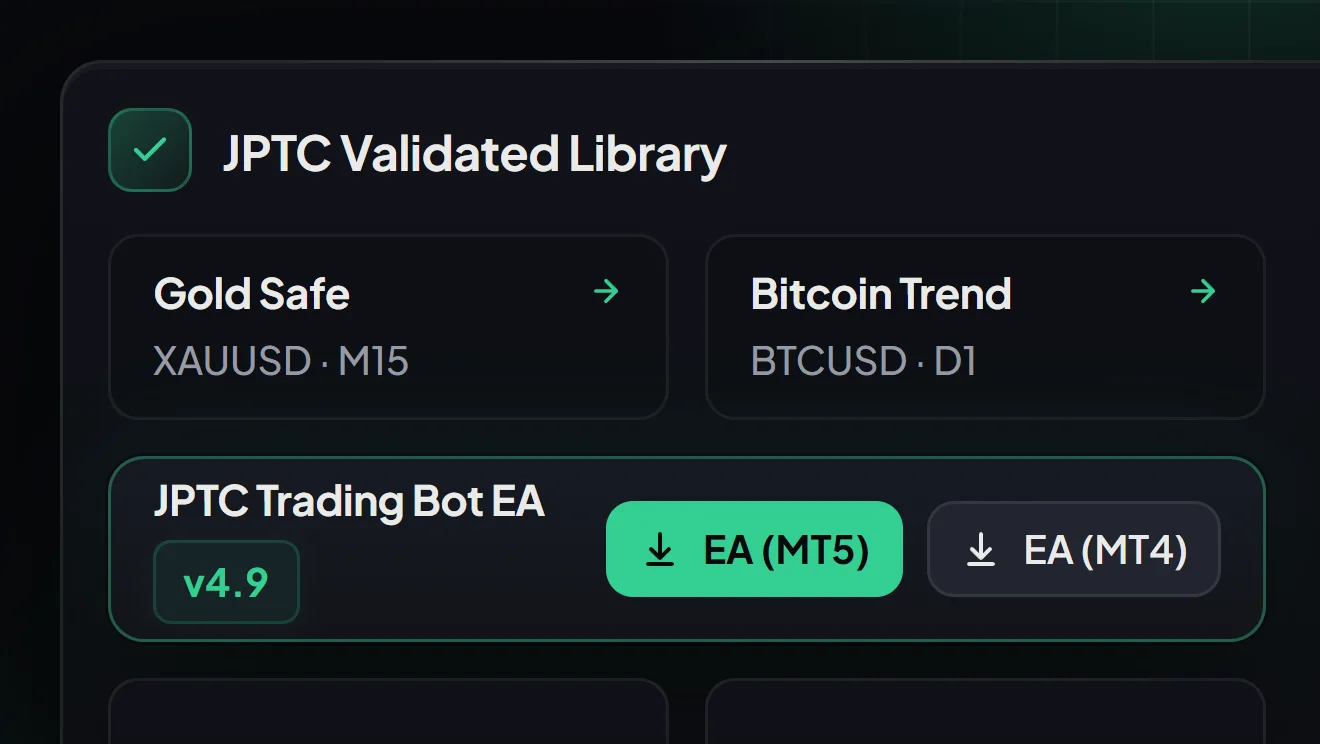
Setfiles are tested against historical data and then forward tested, rather than optimised until the backtest looks good. A parameter chosen because it produced the best result on the test period is no longer evidence about that period, which is the defect in most of the free EA ecosystem.
Four modes, one licence
The software offers Scalp, Trend, Grid and Hedge workflows. Availability of a mode does not make it suitable or permitted for an account. Grid can accumulate exposure and hedging can add costs or conflict with firm rules. Check the strategy, account mode and instrument before testing; neither mode guarantees recovery or continued profitability.
Live monitoring from the dashboard
The EA sends heartbeat data so you can see balance, equity, open trades, drawdown and connection status without opening the terminal. That matters more than it sounds: the most common failure in self-hosted automation is nobody noticing the EA detached three days ago.
MT4, MT5, and your own broker
You receive MetaTrader-compatible files and run them on your own terminal at your own broker. Your account, your login, your withdrawal rights. We never trade on your behalf and never hold funds.
What it does not do
It cannot guarantee passing an evaluation, a payout or profitability. Risk controls depend on settings, data, a running terminal and successful execution. They do not remove market risk or every mechanical failure. Test the exact file and platform with realistic costs and retain the test record.
Common questions
Does the JPTC EA work for prop firm challenges?
It is built around prop firm risk rules, but no EA can assure completion and any vendor claiming otherwise is selling marketing. Results depend on market conditions, broker execution, account size and the risk settings you choose.
Do customers keep control of their own account?
Yes. You run the EA on your own MT4 or MT5 terminal at your own broker. JPTradingCapital does not custody funds and does not log in to trade for you.
Is a VPS required?
EA Hub needs a running MetaTrader terminal and stable internet. A PC or VPS is an option only where the account provider permits it. The separately hosted Algo is a different service; its hosting does not establish permission to use it on a prop-firm account.
What is the difference between the EA Hub and the hosted algo?
You install and run EA Hub on your own MT4 or MT5 terminal and choose the settings. A usable balance depends on the broker's minimum lot size, symbol specification, costs and drawdown limits. JPTC runs the separate hosted Algo on its own infrastructure, so that service requires no customer installation or VPS. Confirm each service's account eligibility and current terms separately.
Which prop firms does it work with?
Confirm the account's platform and the firm's current rules before purchase. Permission to use an EA does not approve every strategy, copier, account manager or hosting arrangement. Topstep's TopstepX/ProjectX API is a separate execution environment; an MT4/MT5 file or a preset named TopStep does not establish a working or permitted integration. Rules checked on 15 October 2026; check the firm's source again before use.
What does it cost?
A one-time 797 euro for the EA Hub, or 1,497 for Pro which adds the tuned grid setfiles and Strategy Hunter. The bundle is 2,499. All include VAT. No monthly fee and no profit share on anything you make.
Can I use it on more than one account?
Each licence is bound to a specific MT4 or MT5 account number, and you can regenerate it from the dashboard in about thirty seconds if you switch accounts. Note that running the same setfile across several prop firm accounts can be read as copy trading by the firm, which is a rule question rather than a licensing one.
How is it different from a free EA?
Compare the licence, actual strategy, source access where available, costs and reproducible test records. Free or paid status does not establish quality or profitability. Check equity drawdown including open positions and test the effective risk controls instead of relying on a label or selected backtest.
What happens if it stops working?
Use the dashboard connection status, terminal logs and configured alerts to investigate a failure. Confirm support and update entitlement for your purchased tier; Normal and Pro have different update terms. A dashboard indicator is not a guarantee that every order or notification succeeded.
Is there a refund?
Read the product refund and cancellation terms displayed before payment. Eligibility depends on the purchased offer and applicable consumer law; the page does not replace those terms or statutory rights.