Forex trading bot for Android: what runs on your phone?

The native MT4 and MT5 Android apps do not install or run Expert Advisors. Copying MQ4, EX4, MQ5 or EX5 files to a phone does not add an EA runtime. The mobile app can show account information and perform supported trading operations while an EA runs in another environment.
A forex-bot offer with mobile access may instead provide a remote interface, cloud execution or a provider-hosted service. Identify the actual arrangement before following setup instructions. This guide checks the documented distinction, not a tested list of profitable Android bots.
MetaTrader Android is not an EA execution environment
The Android terminal connects to the broker to display prices, charts, positions and history and to handle supported orders. It does not provide the desktop Navigator workflow for attaching an EA or the desktop AutoTrading settings. Installing the broker’s mobile terminal is not installing its EA.
The broker’s server can hold accepted orders and stop instructions even when a phone disconnects. That does not mean a client-side EA, custom trailing rule or new-signal process continues when its actual execution environment is offline. Check which part of the system owns each function.
Identify whether the software runs locally, remotely or in the cloud
- MetaTrader EA: use a supported desktop terminal or appropriate hosting. A remote-desktop app displays that separate computer; it does not turn Android MetaTrader into an EA platform.
- cTrader cloud cBot: the documented Mobile workflow can start a cloud instance. Execution is in cTrader’s cloud, subject to the bot and cloud conditions, not on the phone.
- Provider-hosted automation: confirm which provider operates the strategy and the actual pause procedure. Mobile account access does not establish a service-control integration.
- Standalone Android or broker-API app: ask the publisher to identify the broker connection, permissions and execution location. An app-store description does not demonstrate that it can run a MetaTrader EA.
Do not assume every mobile automation offer uses the same architecture or requires a customer VPS. Hosted and cloud services have different requirements from a self-run desktop EA.
Check what closing, pausing and changing settings actually do
Closing a position from the mobile account view closes that position if the broker accepts the request. An active EA elsewhere may open another position when its rules allow. Uninstalling the phone app or turning off the phone does not stop an EA running on another machine.
For a self-run EA, its inputs and automated-trading permission belong to the execution terminal. Use the documented access route to that environment. For a provider-hosted service, use its documented procedure. The existence of mobile trading buttons does not imply mobile EA settings or a global kill switch. In a demo, verify the difference between blocking new entries, stopping software and closing existing positions before you rely on it.
Set up a mobile monitoring workflow without guessing features
- Identify the exact broker server, account and platform. Confirm any programme permits the strategy and execution method.
- Install the official mobile app from a route published by the platform or broker. Obtain EA files separately for their supported execution environment.
- Document where the strategy runs, who controls it and how to recognise lost connectivity or a rejected order.
- In a suitable demo, compare mobile positions with the execution environment and its logs. Test the documented stop procedure rather than assuming a phone switch.
- Record a recovery contact and access method if the phone is lost or unavailable. Keep credentials out of public messages and untrusted app forms.
No broker account, connection or trading action was configured or tested for this article. These are checks for your own documented setup.
Mobile access does not establish programme compliance or performance
A prop firm can restrict the platform, EA, copying or strategy independently of device access. Check the exact programme and phase, loss calculation and reset time. A phone dashboard or named preset is not approval. A stop request may execute beyond its intended threshold; neither monitoring nor a VPS guarantees loss limits.
AI labels and screenshots do not prove a profitable strategy. Review version, costs, complete reporting period and test conditions. A demo can uncover configuration faults but does not establish identical execution or future returns.
JPTC hosted Algo and self-run EA Hub are different setups
JPTC EA Hub runs in the customer’s MetaTrader terminal; the native Android app is not its runtime. The separate hosted Algo runs on JPTC infrastructure, so the customer does not install or run it and needs no VPS. You can watch the broker account from a compatible mobile terminal; request service changes through the actual supported route. The hosted Algo is not offered to pass prop-firm evaluations.
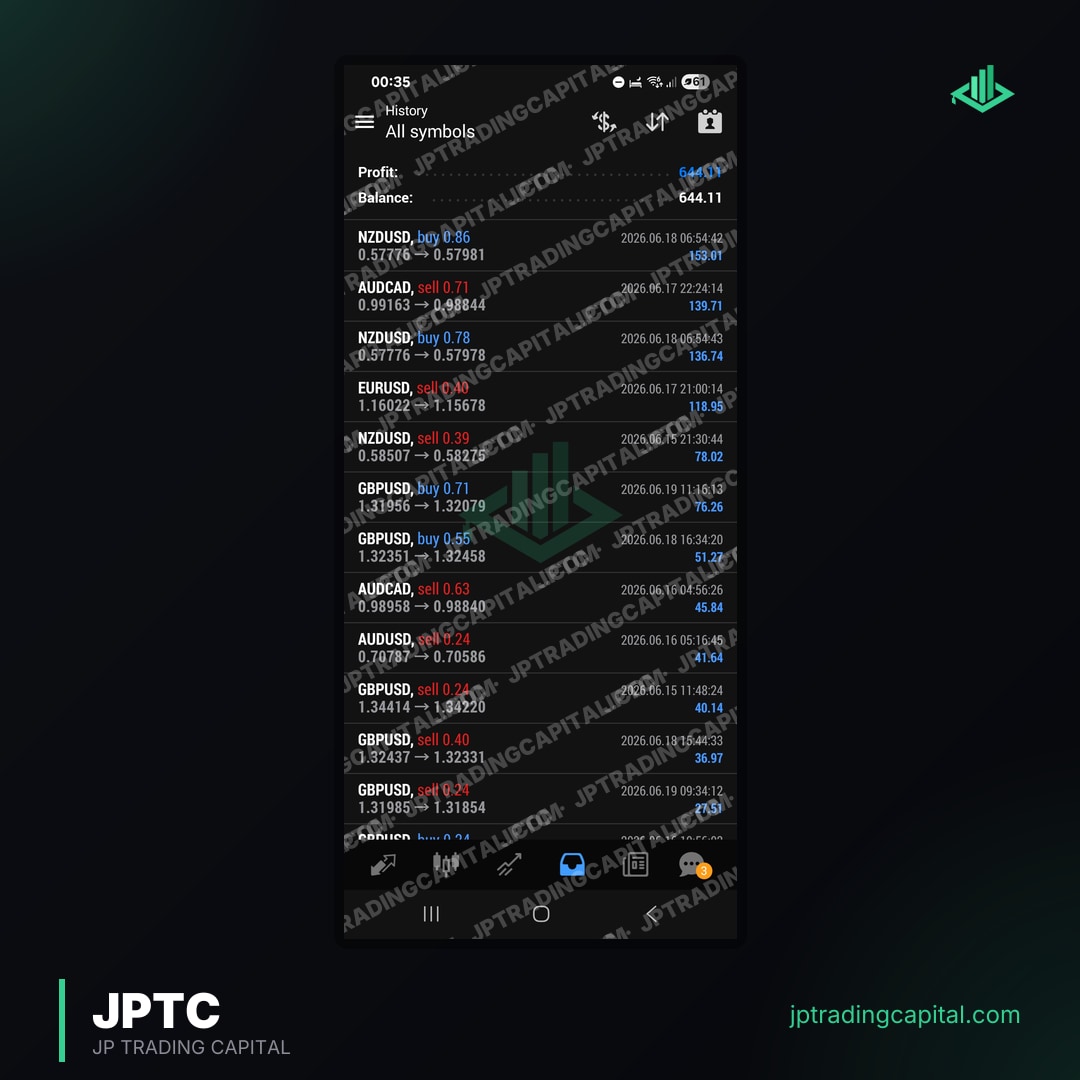
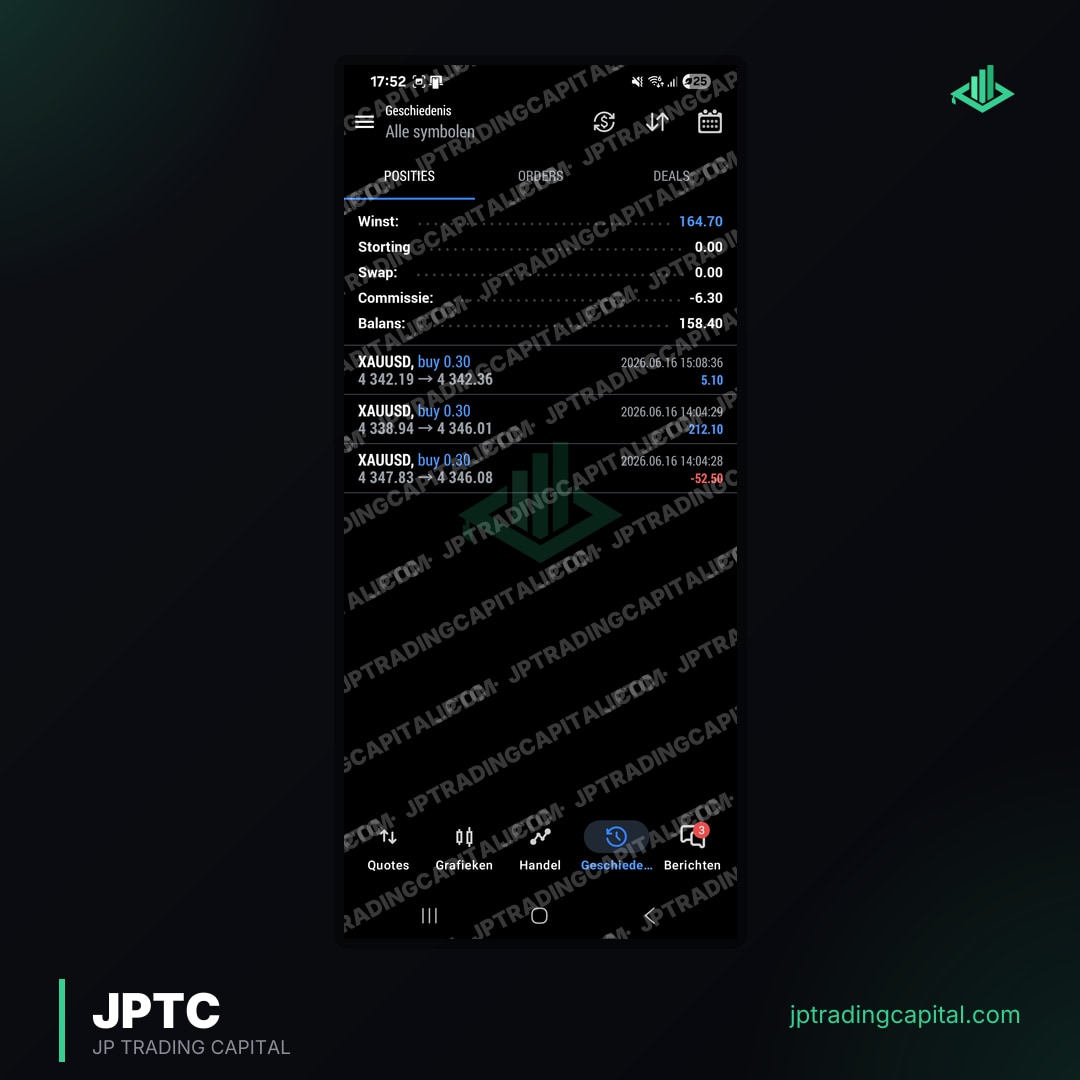
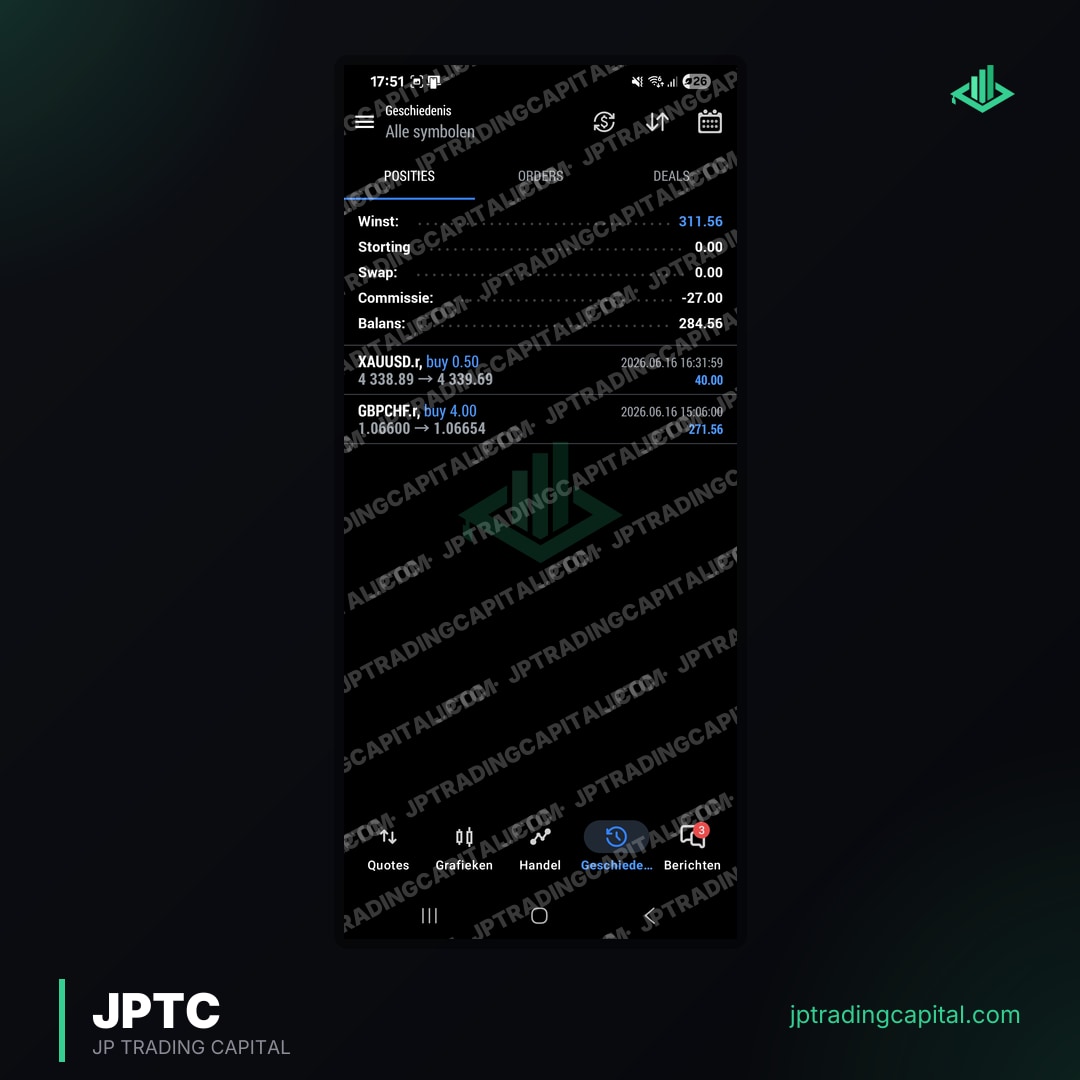
Company-published broker-statement figures concern the reported account and period. They are not an independent audit, an Android-app test or proof about every EA. The existing account images below are preserved as published images, not a complete trade history or a forecast.

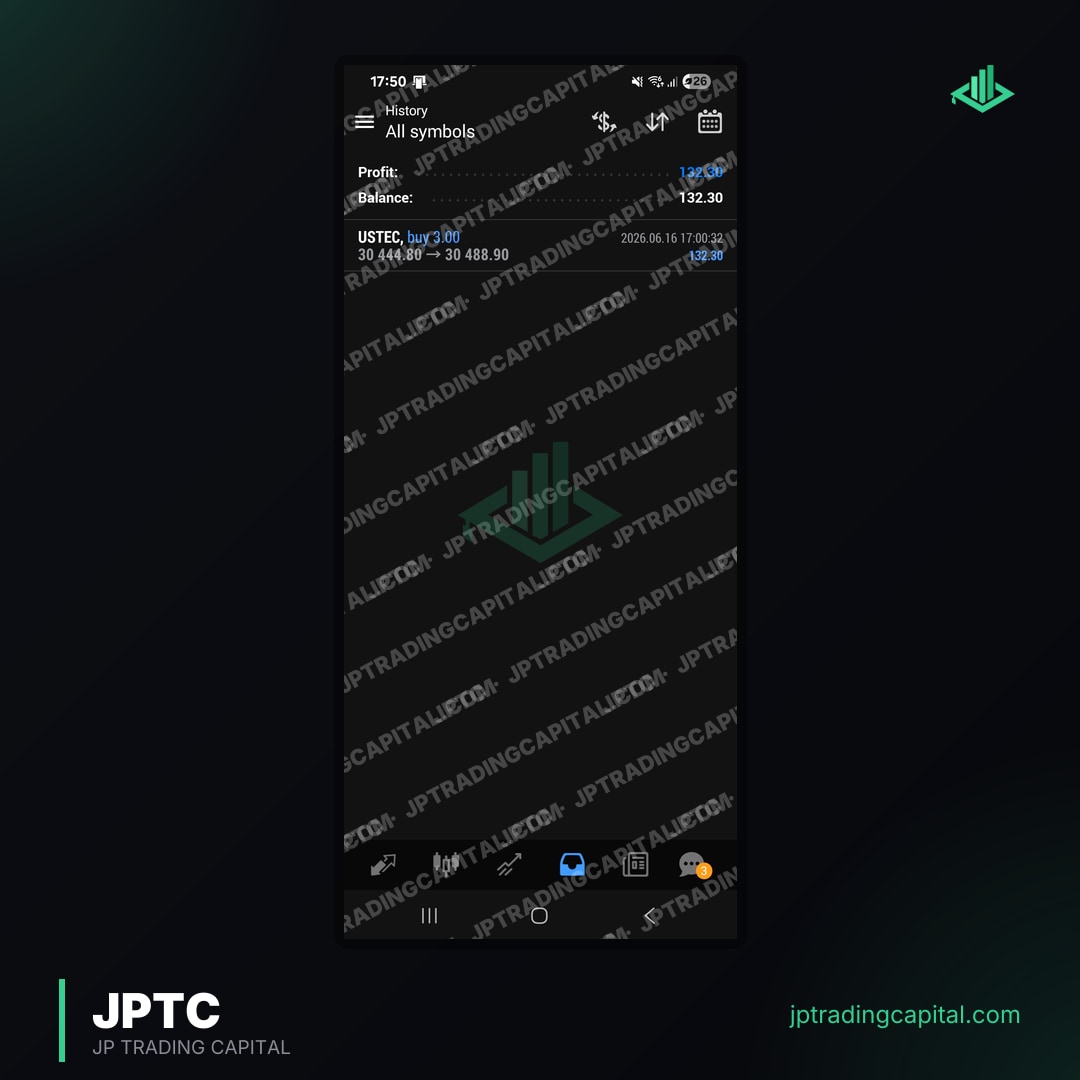
Documentation and product descriptions checked on 16 October 2026: MetaTrader Android · MetaTrader 4 mobile · Axi EA/Android · Exness EA/mobile · cTrader cBots · cTrader cloud · MetaTrader EA · FTMO · JPTC EA Hub · JPTC Algo · Stop orders and execution.
Can I really make money with a forex trading bot on Android?
A phone interface does not establish profitability. The strategy, costs, execution and risk determine outcomes, and losses are possible. First identify where the bot actually runs; native MetaTrader Android cannot run EA files. Historical or demo results do not guarantee future returns.
Are forex trading bots for Android legal?
The applicable rules depend on the jurisdiction, instrument, provider activity and account. A mobile app listing is not blanket approval. Check the relevant broker or programme conditions and applicable law; this guide does not provide an individual legal determination.
What is the difference between an EA and a forex trading bot for Android?
An EA is a MetaTrader programme that needs a supported execution environment. The native Android MetaTrader apps cannot run it. A mobile bot offer may instead expose controls for remote or cloud software, or describe a different app or API connection; ask where execution occurs.
How do I install a forex trading bot on my Android device?
Do not transfer EA files into the native MT4 or MT5 Android app expecting them to run. Install the EA only in its supported execution environment, then use documented mobile monitoring or remote access. A supported cTrader Mobile cloud-cBot workflow is a separate platform feature with its own requirements.
Related Articles
Automated forex and gold trading
Runs on your own account at your own broker. We host and set it up, so there is nothing to install and no VPS. No profit share, no monthly fee.
See how it works