FundedNext EAs: permissions, fees and file checks
Material update: 15 October 2026: specifically identified source references, unsupported own-product/result qualifications or account-rule wording corrected. Existing publication status and URL retained.

FundedNext permits EAs only under specific account, platform and usage conditions. A product described as “FundedNext compatible” does not establish permission or prove that it can pass a Challenge. Start with the purchased account and the exact software file, rather than a promised strategy ranking.
Which FundedNext accounts permit an EA?
The FundedNext EA policy dated 8 September 2026 allows EAs on eligible MT4 and MT5 accounts below $50,000 when the EA add-on has been purchased. Accounts of $50,000 or more must be operated manually, including tools that only adjust stop loss, take profit or lot size. EAs are prohibited on cTrader and Match-Trader regardless of account size. Check the purchased programme and its order conditions as well: a balance below $50,000 is a threshold, not approval for every offer or file.
Strategy restrictions still apply
The same policy prohibits bots specifically designed to pass prop-firm Challenges. It requires customised settings and a distinct strategy, prohibits identical trades across accounts and sets a $300,000 maximum allocation per strategy. That allocation ceiling does not override the separate account-size limit for EAs. Telegram and WhatsApp application integrations are also prohibited. There is no blanket approval for grid, martingale, latency arbitrage, high-frequency trading or news strategies. Check each applicable restriction. The Quick Strike parameter also addresses profit concentrated in trades shorter than 30 seconds; a Challenge progress hold is not the same as automatic account termination.
EA usage fees and developer licences
FundedNext’s EA usage charge is separate from the software developer’s licence price. Its policy states that the EA or VPS plus EA usage fee is non-refundable even if the service is not used, and is not included in the refundable Challenge fee. EA access is not automatically included with free or BOGO accounts. Check the actual order and checkout rather than relying on an old article price, referral payment or bonus claim. Buying a licence cannot waive FundedNext’s restrictions.
Stellar Instant needs its own account check
The Stellar Instant EA FAQ permits EAs subject to an additional fee and its strategy restrictions. The current Stellar Instant account guide describes an account without a Challenge phase and a maximum active allocation of $20,000. “No Challenge phase” does not mean unrestricted automation or automatic inclusion of the add-on. Check the account’s platform, purchase conditions and current loss rules. Do not copy the limits, minimum trading days or payout conditions from a different FundedNext programme.
Check the exact MT4 or MT5 file
An MT4 .ex4 file and an MT5 .ex5 file are different compiled programmes. Platform availability does not make them interchangeable or guarantee identical fills. Record the file version and hash, required terminal, symbol specification, setfile and permitted permissions. Review the MT4 EA launch settings or the relevant MT5 settings. A file that loads successfully still needs checks for order sizes, prices, rejected orders and the exact account’s permissions. A vendor’s generic compatibility label is not this evidence.
What a test and a loss guard can establish
A useful test report identifies the file, inputs, date, data, spread, commission, slippage or delay assumptions and test limitations. MetaTrader 5’s tester documentation distinguishes historical testing, optimisation and forward periods; none certifies future performance. Check restarts, disconnects, daily resets, open positions and interference from manual or other software trades. A guard can attempt to restrict orders or close positions, but cannot guarantee that gaps, costs or execution delays never cross a limit. The FundedNext risk and sizing guide explains why a generic 4% or 8% switch is not a universal account rule.
EA Hub, hosted Algo and results have different roles
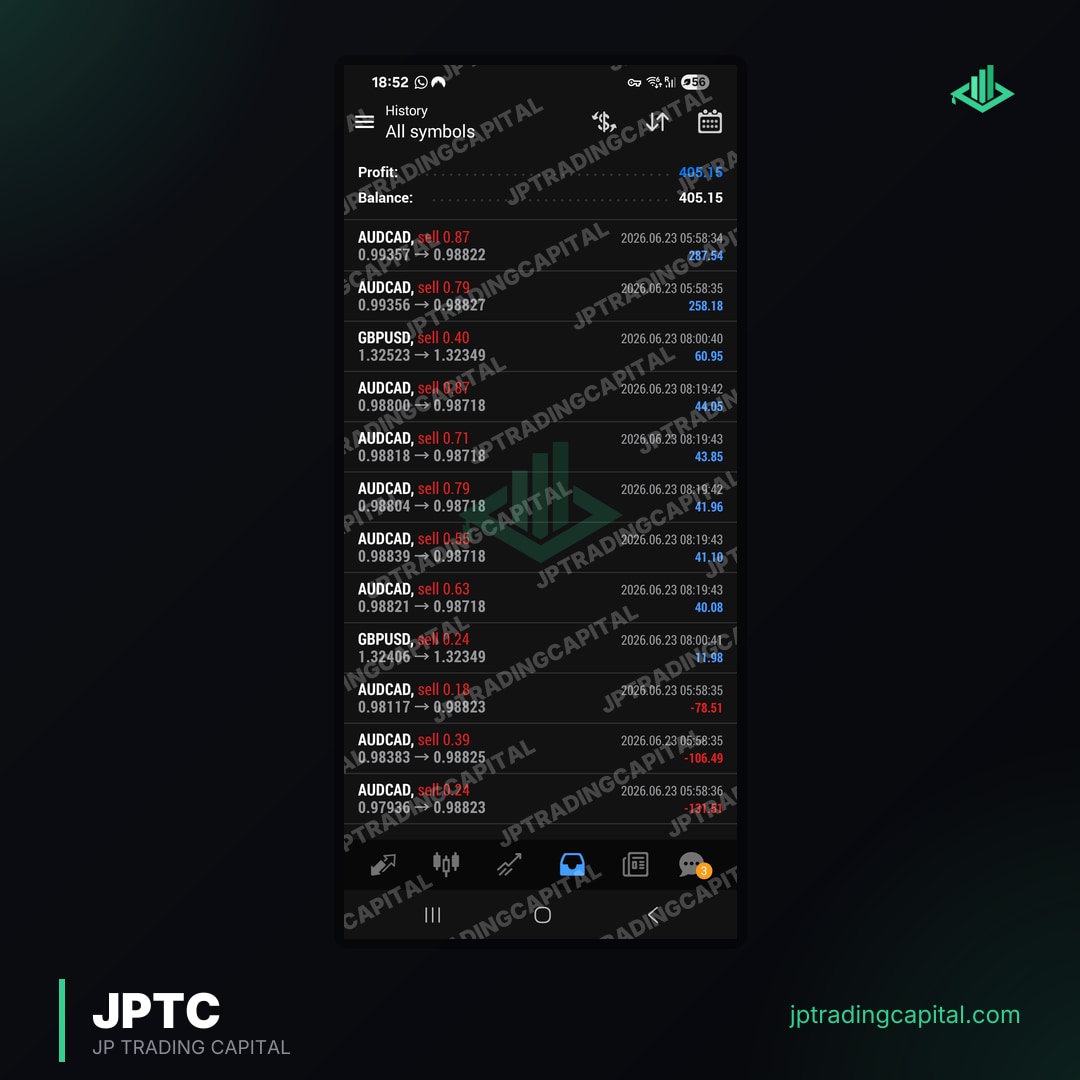
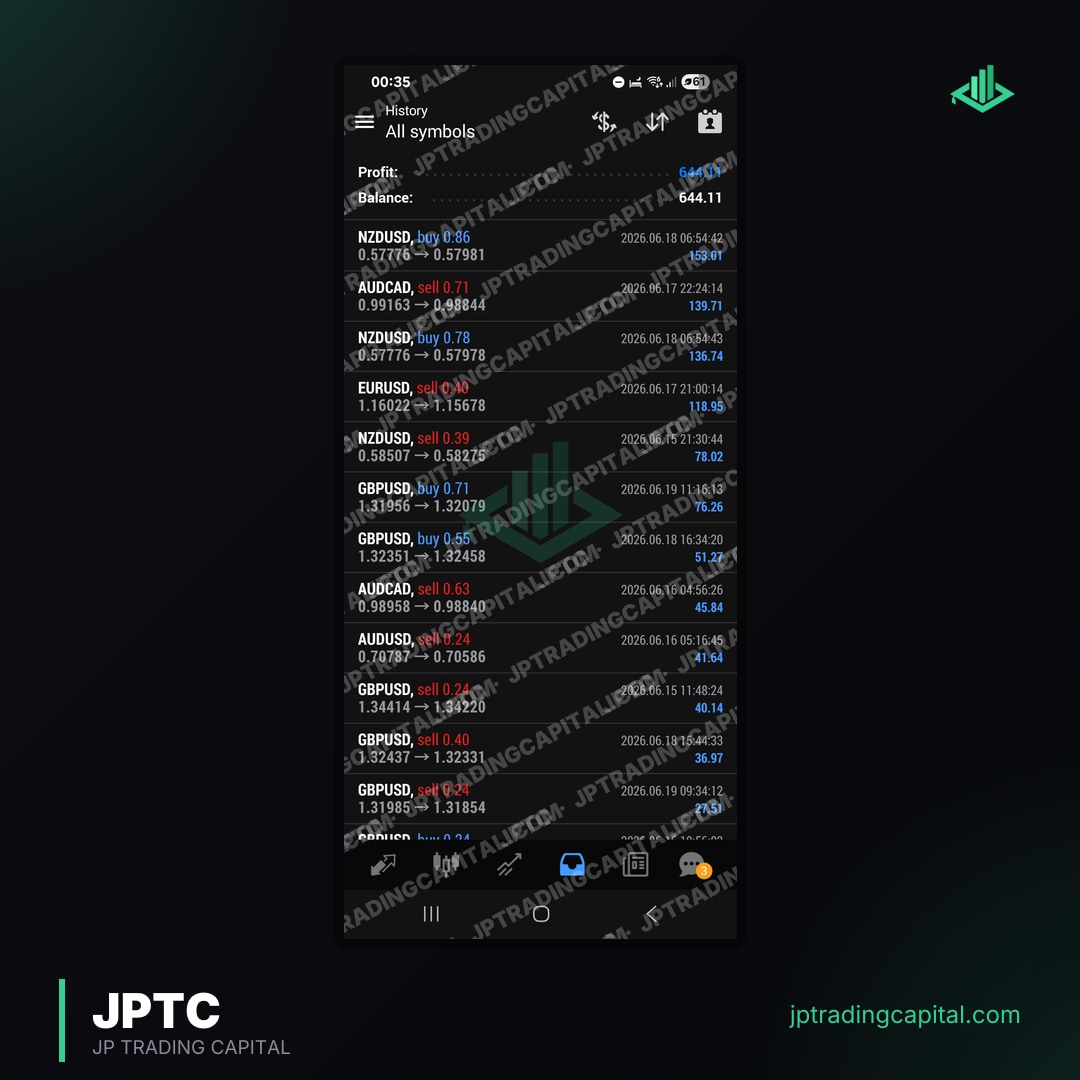
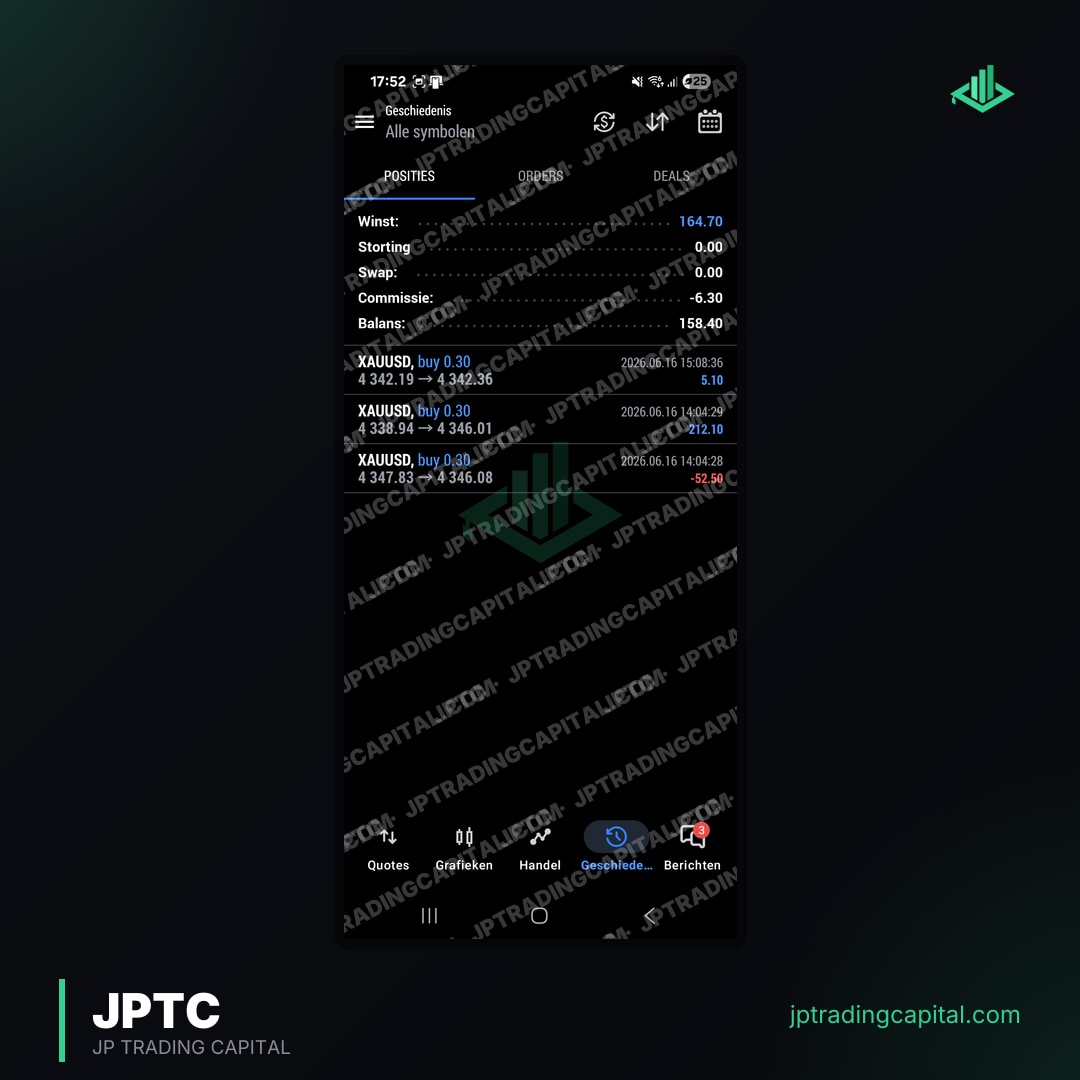
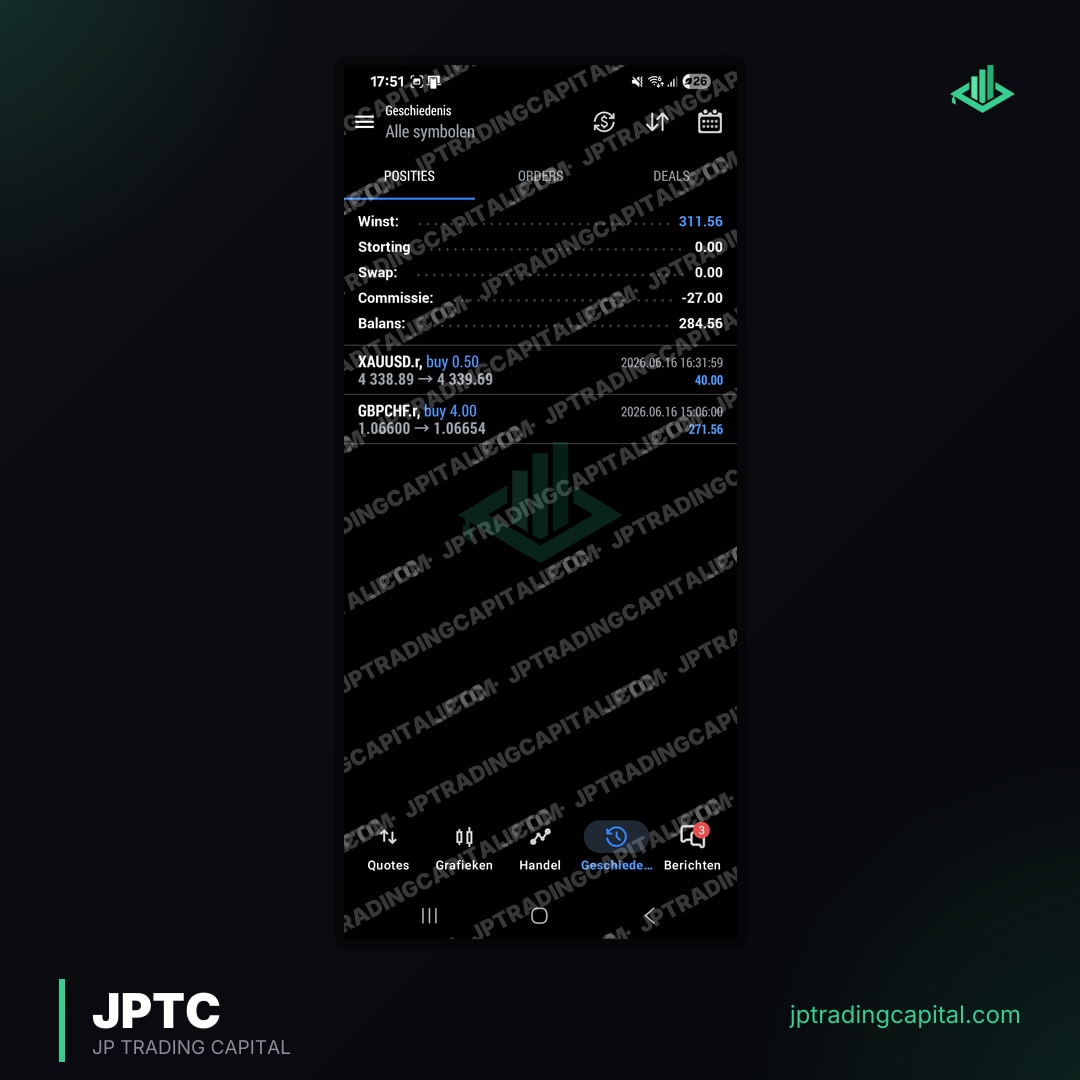
JPTC’s EA Hub concerns downloadable software and setfiles; evaluate the exact item and its current licence and checkout conditions. The separately hosted Algo is operated by JPTC, so the customer does not install that service or need a VPS. Its results page reports monthly figures from its broker statement. Those figures are not an independent audit, a FundedNext approval or pass-rate evidence for a downloadable EA. A desktop EA’s operating setup and a hosted service’s operating setup must be assessed separately.
Before enabling automation
Match the programme, size and platform to the current written policy; confirm the add-on on the actual order; check software ownership, strategy restrictions and exact-file evidence; then test the operating setup before any permitted use. Ask FundedNext about an unclear case before enabling the software. Minimum trading-day requirements are not instructions to force an otherwise unwanted trade, and extra calendar orders do not demonstrate a sound strategy. No EA, setfile, backtest or article can promise a passed Challenge, a Reward or a return. Official sources linked here were checked on 16 October 2026.
FundedNext EA questions
Does FundedNext allow every MT4 or MT5 EA?
No. The current policy requires an eligible account below $50,000 and the EA add-on. Programme conditions, ownership and strategy restrictions also apply. Accounts of $50,000 or more must be manual, and cTrader and Match-Trader do not permit EAs.
Is the FundedNext EA fee the software purchase price?
No. FundedNext’s EA usage charge is separate from the developer licence. Its policy describes that usage fee as non-refundable even if unused and separate from the refundable Challenge fee. Check the actual order.
Can an EA be used on Stellar Instant?
The current Stellar Instant FAQ permits it with an additional fee and the applicable restrictions. Check the exact platform, account and order; the absence of a Challenge phase does not remove the EA rules.
Can a tested EA or loss guard guarantee a pass?
No. A test describes a particular file and test conditions. It does not establish future returns or prevent every execution loss, and it does not override FundedNext’s permission or trading rules.
Pedro, founder of JPTradingCapital. This guide separates account permission, software testing and product evidence; it does not promise a trading outcome.
Related Articles
- Best Future Prop Firm: Complete 2026 Comparison for Traders & EA Developers · Read more →
- Best Futures Trading Indicators for ES, NQ & Micro Contracts · Read more →
- Prop Firm Trading Minimum Account Size: What's the Cheapest Way to Get Funded in 2026? · Read more →
- FundedNext: Complete Guide to Prop Trading Challenges, Rules & Passing Strategies · Read more →
- Prop Firm Trading Without Deposit: How to Get Funded Accounts Free in 2026 · Read more →
- Scaling Your Funded Account: How to Get Larger Accounts After First Success · Read more →
- Free MT5 Expert Advisors: Prop Firm Strategies & Downloads · Read more →
- Best MT5 Expert Advisor for Prop Firms & Retail Traders · Read more →
Review the JPTC EA Hub
EA software with version-specific documentation and account-level risk controls. Review the selected programme’s current automation rules and test the chosen version; software does not guarantee compliance, a pass or a payout.
See the EA Hub