News Trading EA for Prop Firms: Rule and Failure Checks

A news filter needs an account-specific rule
A news-trading EA may seek to trade an announcement or keep a strategy inactive around it. Those are different functions. Before either is used, record the provider, programme, phase, account type and applicable terms. EA permission, news execution, holding positions and copying permission must each be checked. A calendar filter or a preset name does not grant any of them.
This guide produces a test record for event controls. It does not supply a measured pass rate, a profitable news strategy or a claim that most firms ban news. Gold, currency CFDs and exchange-traded futures also have different contracts and programme rules.
FTMO example: execution, symbols and phase
The FTMO CFD news FAQ, checked on 16 October 2026, restricts execution during the two minutes before and two minutes after selected releases on affected instruments. The listed USD announcements include XAUUSD. Execution includes a stop loss, take profit or pending order, not just a new manual market order. The restriction can also apply to an Instant Account; it is not a general rule for every FTMO product.
The FAQ exempts Swing accounts and accounts in the Challenge or Verification phase from this news restriction, while forbidden-practice rules remain applicable. An affected position opened more than two minutes before the event may be held, but its execution during the restricted period can still violate the rule. A holding permission is therefore not permission for a stop or target to execute. Use the current restricted-event list and your own account terms rather than a universal 60-second or five-minute rule.
Build the event-control worksheet
| Check | Record the observed result |
|---|---|
| Event identity | Official announcement, scheduled time, restricted-event status and affected symbols; note rescheduling. |
| Clock | Source timezone, server timezone, UTC conversion and daylight-saving offset for that date. |
| Before the window | New-order gate, pending-order cancellation confirmations and treatment of existing positions. |
| During the window | Order executions, SL/TP triggers, manual/copied positions and account-wide exposure. |
| Missing data or restart | Stale-calendar response, connection loss, rejected requests and recovered order state. |
| Release from the block | Current event state, valid data, spread/quote checks and an explicit reactivation decision. |
A larger planning buffer may be chosen as an internal precaution; it is not the provider’s rule and cannot guarantee that a close request executes in time. Do not wait until the prohibited window to discover an open order, and do not remove a protective stop merely to try to avoid recording an execution.
Test the clock and failure states
MQL5 calendar functions use trade-server time, not the user’s local clock. That describes the MQL5 API, not a promise that every MT4/MT5 EA uses it. Ask which calendar and timezone the particular file actually uses, how often it refreshes and what happens when data are absent.
In an isolated test, simulate an old calendar response, a moved event, an offset change, a restart with pending orders, a rejected cancellation and a copied or manual position outside the EA’s own order list. Save file/version, inputs, source timestamps, requested actions, confirmations and observed executions. Decide in advance which unresolved state blocks new orders and needs review. A proposed safeguard is not an existing feature until its implementation and behaviour have been demonstrated.
Check direction and cash loss separately
Fictional GBPUSD example, with 100,000 GBP per lot, a USD account and costs excluded: 0.5 lot has $5 per 0.0001 pip. A buy from 1.2700 to 1.2850 gains 150 pips, or $750 gross; the same move loses $750 for a sell. It is not a $2,500 loss on the buy.
A buy at 1.2700 with an intended stop at 1.2680 has a planned 20-pip, $100 price loss. If the actual exit is 1.2650, the price loss is 50 pips or $250, before charges. These are arithmetic examples, not an observed release, an assumed NFP time or a guaranteed fill. Use the actual contract, currency conversion, exposure and loss formula for the account.
Compare the actual file and product
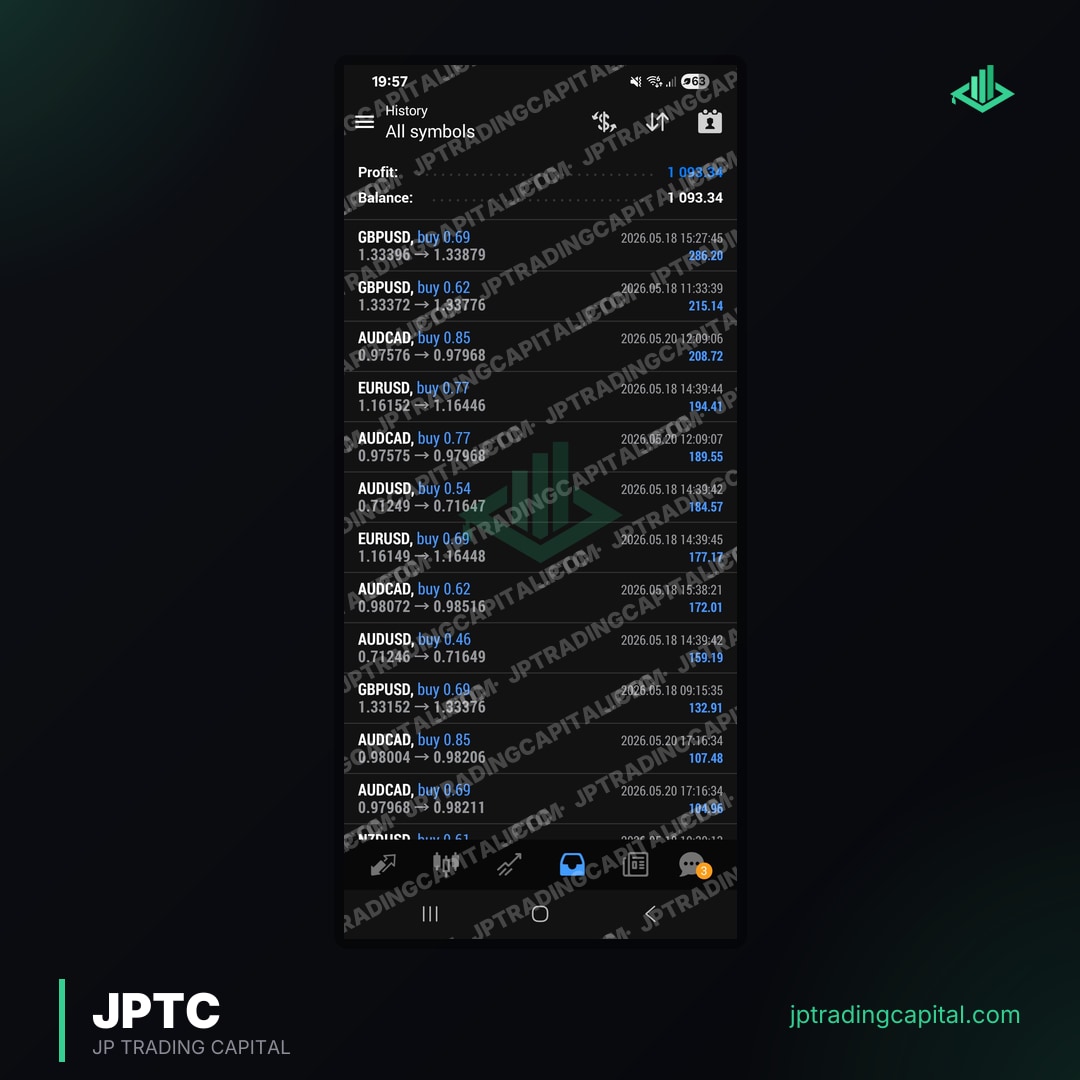
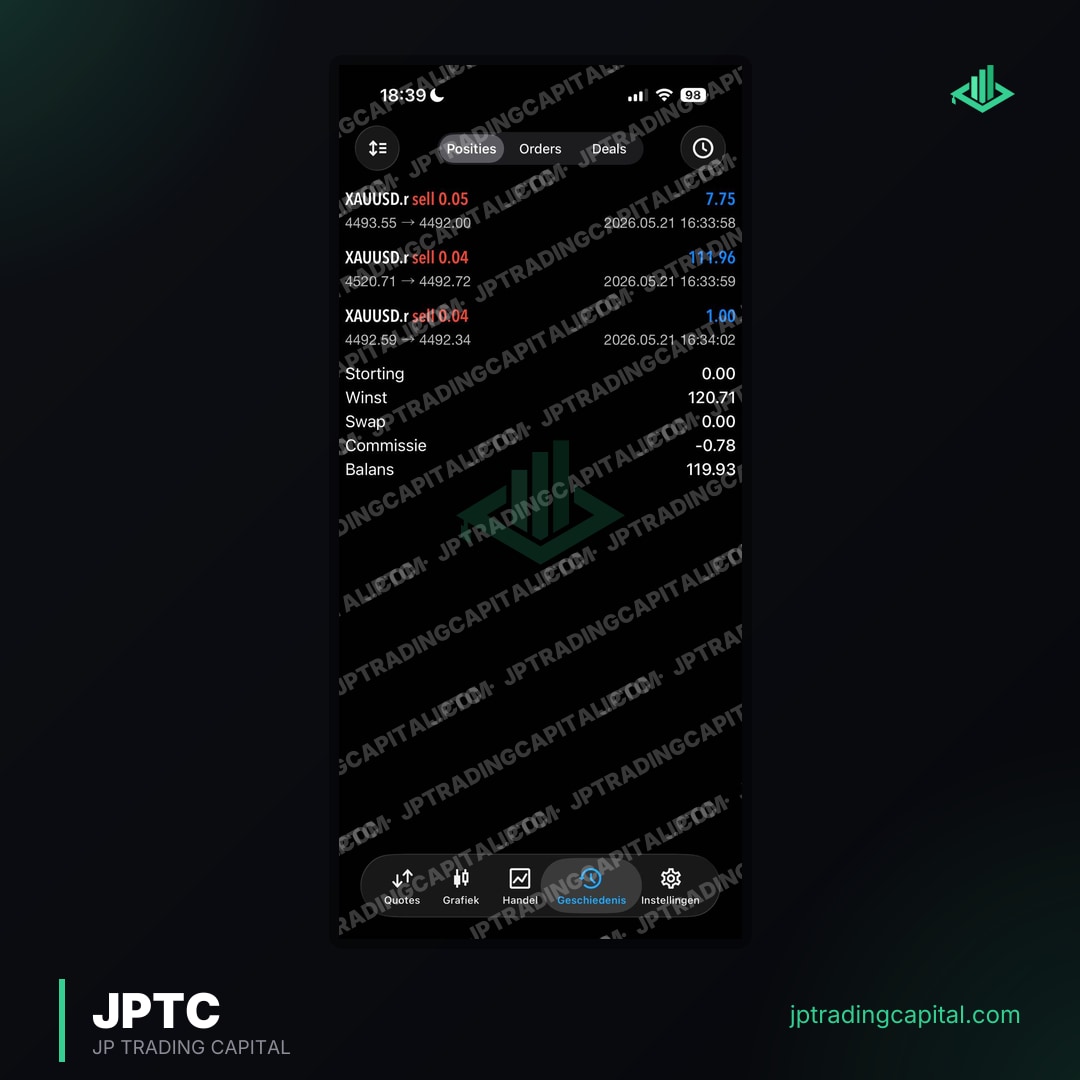
The JPTC EA Hub contains downloadable MT4/MT5 software. Check the exact file’s documentation and test its claimed event controls; a news filter, calendar integration or emergency close is not assumed for the whole Hub. The separately hosted JPTC Algo is a different offer. A historical test, a screenshot or a company broker statement is not a challenge-pass study or proof of permission.
Keep the completed worksheet and unresolved questions before buying or enabling a file. Approval for an EA does not establish approval for its news strategy, third-party access or copying arrangement. This guide does not rank vendors by an invented failure rate, promise recovery or guarantee compliance.
Questions about news filters and prop accounts




Does every prop firm ban news EAs?
Is a two-minute news filter enough for FTMO?
Can I keep a position open through a restricted release?
Does a calendar label show that an EA has a working filter?
Does the JPTC EA Hub guarantee news-rule compliance?
Related checks
Review the JPTC EA Hub
EA software with version-specific documentation and account-level risk controls. Review the selected programme’s current automation rules and test the chosen version; software does not guarantee compliance, a pass or a payout.
See the EA Hub