Best Free MT4 Expert Advisor: What to Run, What to Avoid
The safest free MT4 expert advisors are the sample EAs that ship with MetaTrader 4, such as Moving Average and MACD Sample: their code is readable and nothing comes from a stranger, but they are teaching examples, not a strategy to fund. Most other free expert advisors are a cut-down version of a paid product, an EA a broker gives away to win your trading volume, or a shared file nobody can vouch for. Few come with a record you can rank them on, so the useful question is which free EA is worth a demo test, and whether its worst losing day fits inside the loss limits of the account it will trade.
- Free EAs passed around forums and chat groups, including cracked copies of paid EAs, are the riskiest download you can make.
- For a prop-firm account, one test decides it: the worst losing day and the worst losing run must fit inside the firm's daily and maximum loss limits.
- Firms set their own EA rules and some ban EAs outright, so read the firm's terms before you test anything.
Is there a best free MT4 expert advisor?
Only for a given account, and only after you have tested it. Any list of the top or best MT4 expert advisors, free or paid, is only as good as the account data behind each entry: the broker, the account type, the reporting period, the worst drawdown and the settings used. Free EAs rarely come with that data, and a backtest screenshot is not a substitute for it.
What 'best' should mean for you is narrower and easier to check. For a trader who wants a result on an account in their own name, the best free expert advisor is the one that:
- uses a stop loss on every trade and a fixed or risk-based lot size, with no lot multiplier after a loss;
- shows you every input, so you know what it will do before it does it;
- comes from a source you can trace, and never asks for your trading account password;
- keeps its worst losing day inside the loss limit of your account in your own demo test.
Few free downloads pass all four. Free software is not bad by nature, but the person giving it away usually earns from something other than the EA, and that shapes how it was built. Looking for a free bot that runs outside MT4? Our free forex trading bot guide covers those.
Where free MT4 expert advisors come from, ranked by risk
We rank the four usual sources on four stated criteria: whether you can see the logic or at least every setting, whether the source earns from your trading volume rather than from the software, how much risk the download itself carries, and whether the result deserves a demo test. Rank 1 carries the least risk.
| Rank and source | What you get | Main risk | Worth a demo test? |
|---|---|---|---|
| 1. Sample EAs that ship with MetaTrader 4 | Readable source code, written as examples | Low: nothing hidden, nothing downloaded from a stranger | For learning, not as a strategy to fund |
| 2. Free or lite versions from an EA developer | Usually a compiled .ex4 file limited by lot size, symbol or time | It exists to sell the paid version, so its limits shape what you see | Yes, if the developer publishes full settings and test conditions and the inputs pass the four checks above |
| 3. An EA from a broker or introducing broker for opening an account | Often compiled, with the logic unexplained | The giver usually earns per lot you trade, not from your result | With care: count the trades and their costs |
| 4. Forum, chat-group and file-sharing downloads, including cracked paid EAs | Unknown or altered code | Malware, licence breach and no updates | No |
The sample EAs that ship with MT4
A standard MetaTrader 4 installation includes these samples with their source code, which makes them the best free way to learn how an EA opens, manages and closes trades. Nobody built them for a prop-firm account, so a good backtest from one of them tells you about that period, not about the next one.
Why a broker gives an EA away
A broker or introducing broker that hands out a free EA for opening an account is usually paid per lot traded. An EA that trades often with small targets earns that commission whatever happens to your balance. That does not make every such EA bad, but the incentive behind it is your volume, not your result. Count the trades per week in your demo test and add the spread and commission to every one of them before you judge the profit.
Cracked and shared copies
A 'free' copy of a paid EA from a forum or chat group breaks the developer's licence, gets no updates and may carry altered code. An EA can open, modify and close orders on your account, and one that asks you to allow DLL imports can run other code on your computer. Whatever you save by not paying is not worth that risk on a real or funded account.
Worked example: a free martingale EA on a 100K prop-firm account
A free EA rarely ends a challenge with one bad trade. It ends it with a sequence. Take a martingale EA that doubles its lot size after every loss, trading EURUSD, where one standard lot is worth about $10 per pip, with a 20-pip stop loss and a starting size of 1 lot. This is an illustrative example, not a test of any named EA.
- Loss 1: 1 lot x 20 pips = $200.
- Loss 2: 2 lots = $400, running total $600.
- Loss 3: 4 lots = $800, running total $1,400.
- Loss 4: 8 lots = $1,600, running total $3,000.
- Loss 5: 16 lots = $3,200, running total $6,200.
On a 100K FTMO 2-Step account, the published loss limits are 5% a day and 10% maximum, static, as of October 2026. Five losses in a row on one day cost $6,200, which is past the $5,000 daily limit before the sixth trade that was meant to win it all back. On the FTMO 1-Step, with a 3% daily limit, the same sequence reaches $3,000 at the fourth loss. A grid EA without a stop loss fails the same way, only more slowly: every extra order it opens against the move adds to the loss.
The check that follows is the one that matters for any EA, free or paid. Find the worst losing day and the worst losing run in your own test, scale them to the account size you will trade, and compare them with the daily and maximum loss limits. If they do not fit with room to spare for slippage and spread, the EA is not suitable for that account, whatever its total profit says.
How to test a free MT4 EA before it trades a funded account
- Read the firm's EA terms first. Firms differ on whether EAs are allowed at all, on which platform and at which account size, and their terms change; our overview of which prop firms allow EAs keeps the current rules in one place.
- Get the file from a source you can trace. Prefer the samples bundled with MT4 or the developer's own site, where you can see who wrote it and who updates it. Never type your trading account password into anything that comes with a free EA.
- Read every input before you attach it. Look for a fixed stop loss in pips or money, the lot or risk setting, and any multiplier, grid step or maximum-orders setting. A lot multiplier above 1 after a loss is a martingale-style progression, whatever the listing calls it.
- Backtest on the pair and timeframe it was built for, with your broker's spread. Write down the maximum drawdown and the worst single day, not only the profit, together with the broker, period and settings.
- Forward test on a demo account at the broker you will use, for several weeks that include major news releases. A backtest misses slippage, spread widening and requotes; a demo run shows some of them.
- Compare the worst day and the worst run with the account's limits, scaled to the real account size, as in the worked example above.
- Plan where it runs. An MT4 EA only trades while the terminal is open and connected, so it needs a reliable PC or a VPS.
Red flags that rule a free EA out
- No stop loss, or a stop loss many times larger than the target, so one loss erases weeks of small wins.
- A lot multiplier, a 'recovery' mode or an unlimited number of grid orders.
- Results shown only as screenshots or a backtest, with no broker, period or settings.
- Claims of no losing months or of a guaranteed return.
- A demand to allow DLL imports with no explanation of why the EA needs them.
- A request from an anonymous provider for your trading account password, or a free offer to run the EA for you on a server you cannot trace.
How to install a free MT4 expert advisor you have downloaded
In MT4, open File, then Open Data Folder, and copy the .ex4 or .mq4 file into the MQL4 Experts folder. Refresh the Navigator, drag the EA onto the chart it was built for, set the risk you tested on the Inputs tab and switch on AutoTrading. An .mq4 file is source code you can read; an .ex4 file is compiled, so a free EA that ships only as .ex4 asks you to trust what you cannot see. Our MT4 expert advisor guide covers setup and testing step by step.
Free EA or paid licence: what the JPTC EA Hub changes
A free EA costs you time instead of money: reading inputs, running tests, and carrying the risk that its logic was never built around a prop-firm loss limit. The JPTC EA Hub is the paid alternative we sell for that problem, and it belongs in the same tests as any free EA.
| Criterion | Typical free MT4 EA | JPTC EA Hub licence |
|---|---|---|
| What you pay | Nothing up front; you pay in testing time | A one-time licence |
| Where it runs | Your own MT4 terminal | Your own MT4 or MT5 terminal, on a reliable PC or VPS that you run |
| Prop-firm risk controls | Whatever the author built, often nothing for a daily loss limit | Built around prop-firm risk rules; enabled limits can stop new entries and request the closure of open positions |
| Settings | The inputs the author chose to expose | Configurable setfiles |
| What it cannot do | Promise a profit or a pass | Promise an execution price, stop every breach, or promise a pass, a payout or a profit |
It suits a trader on a forex prop-firm challenge or funded account on MT4 or MT5, at a firm whose current terms allow EAs, who wants the daily and maximum loss limits built into the settings rather than bolted on afterwards. It is the wrong buy for Topstep, whose accounts trade through TopstepX (Quantower can also connect through TopstepX) and which does not offer MetaTrader (MT4 and MT5), and for Apex, which bans automated trading on all account types (both as of October 2026); for any firm whose terms ban EAs or EAs built to pass challenges; and for 5K or 10K challenges, where a paid licence costs several times the challenge fee. A firm preset or name is not proof of compatibility or approval, so check the terms of your programme before you run anything.
If you would rather hand over the challenge itself, our challenge passing service starts at 100K, and nobody can guarantee a pass. FTMO and The5ers prohibit third parties trading your account, and passing services operate in that grey area. Read the firm's terms on account access before you buy. The account stays in your name, so the risk of a review sits with you.
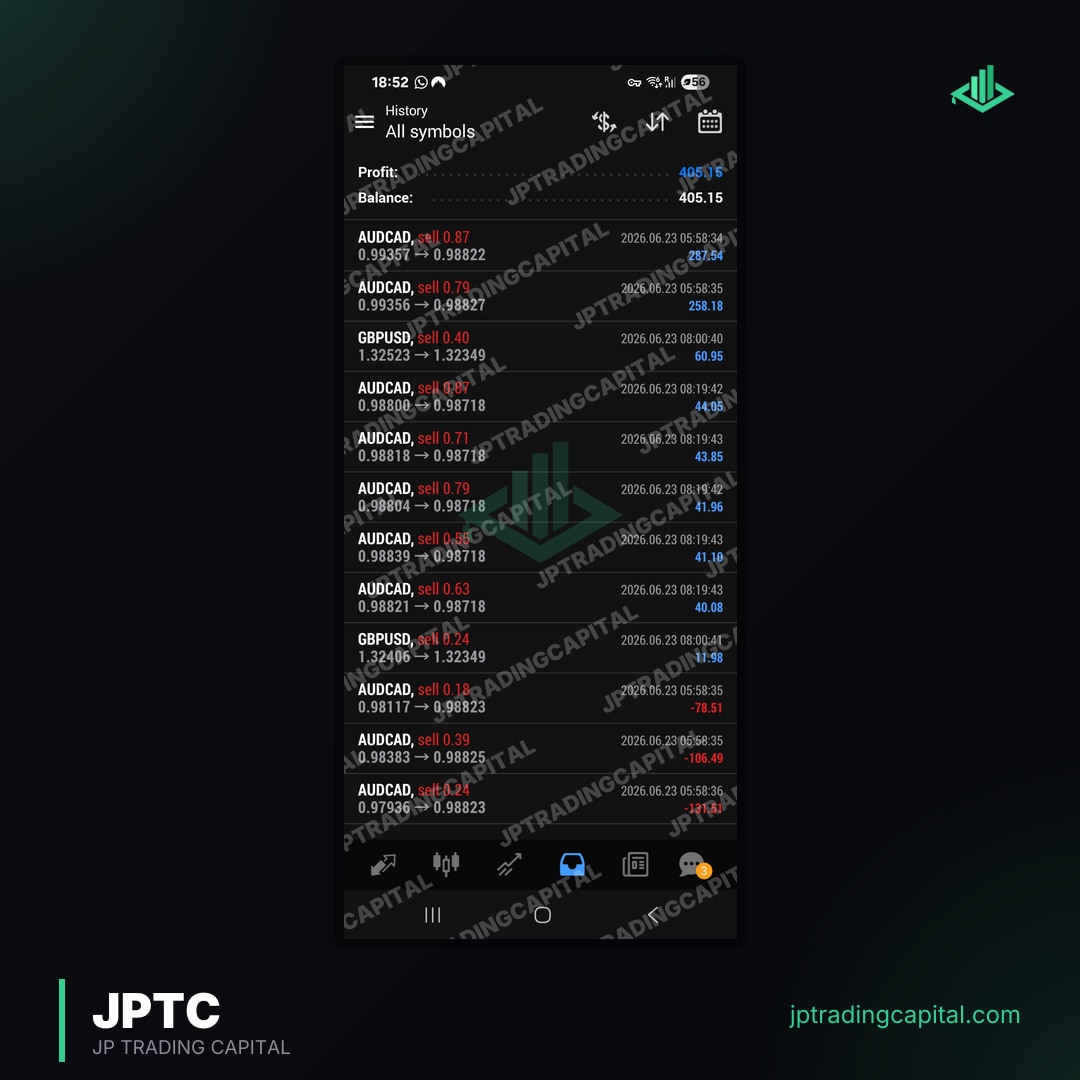
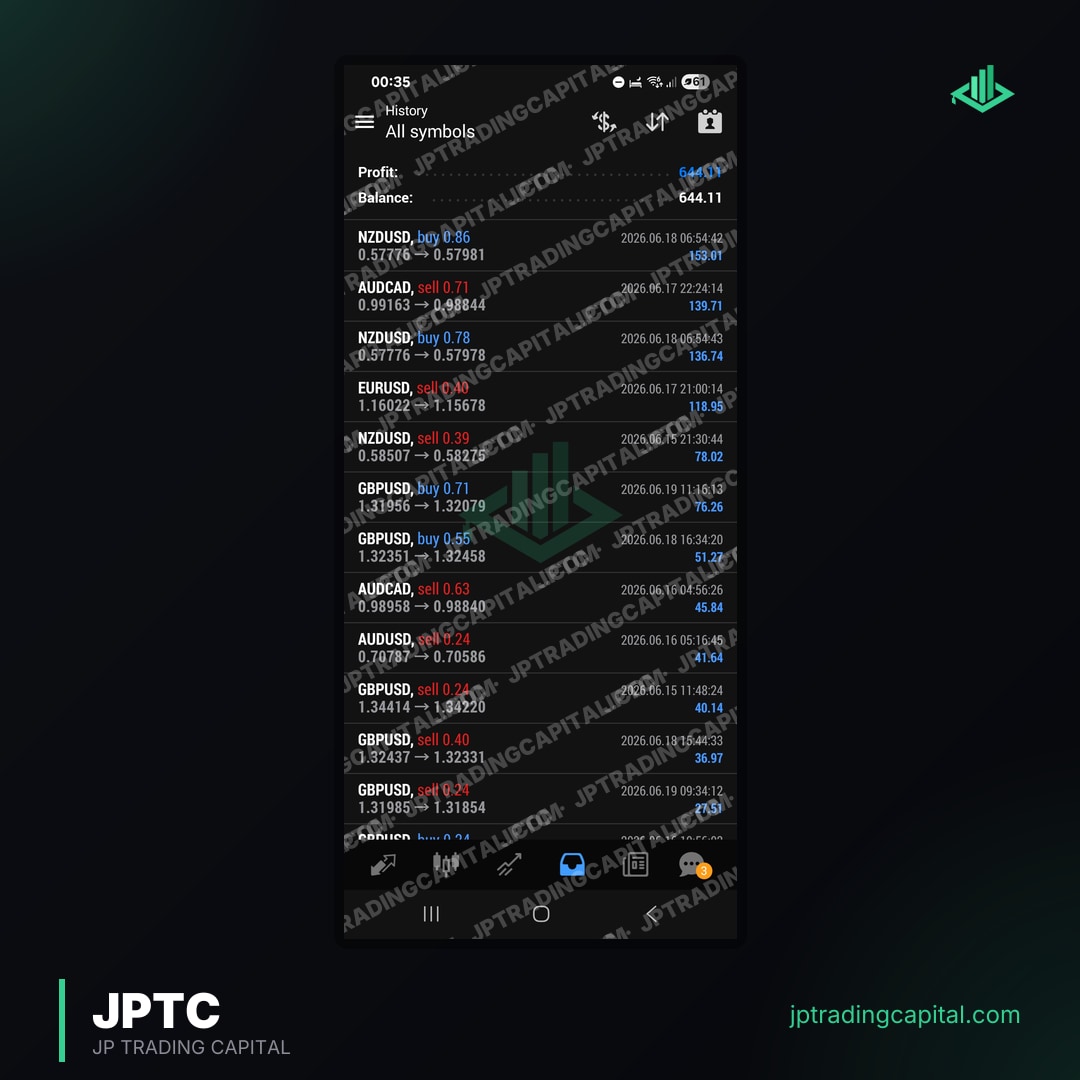
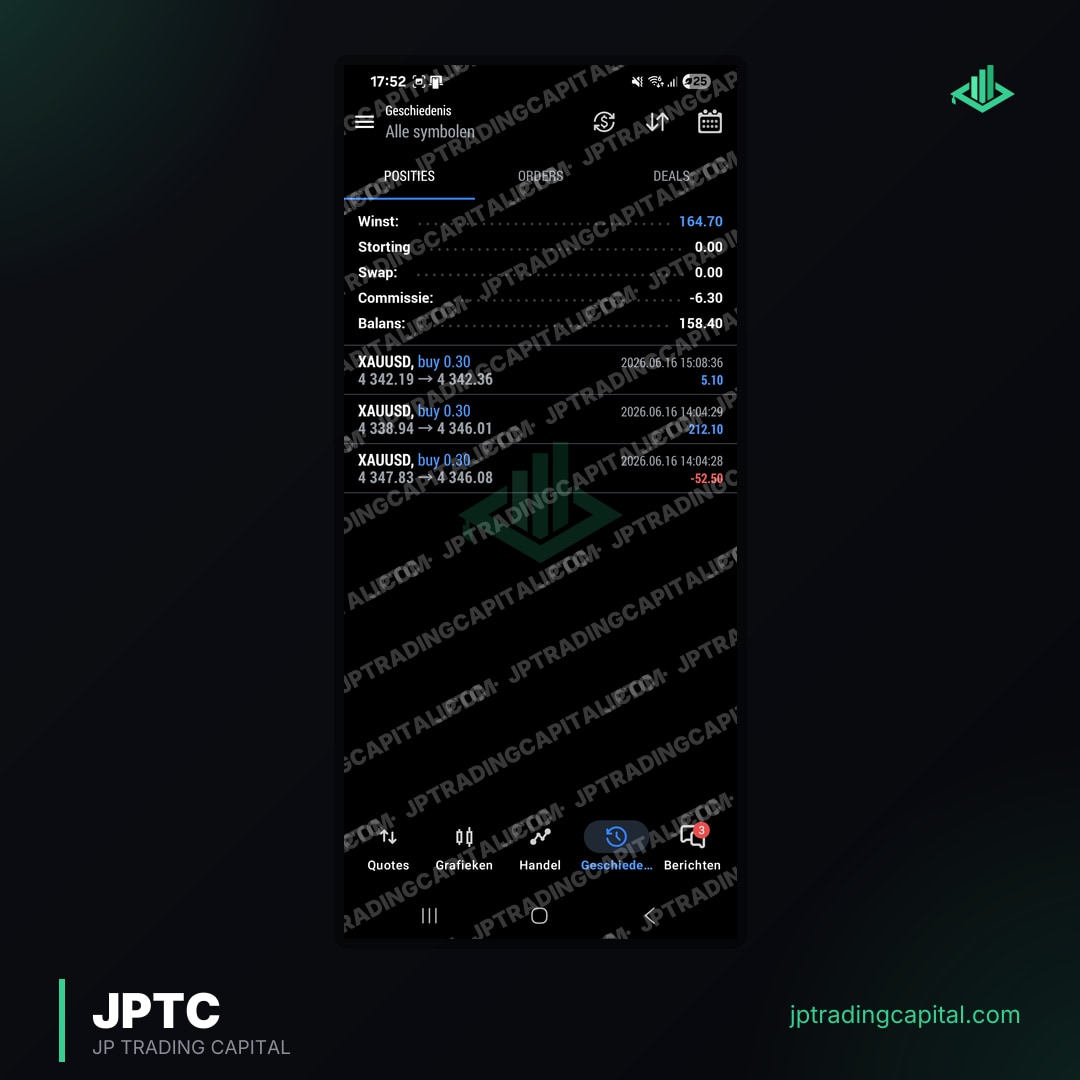
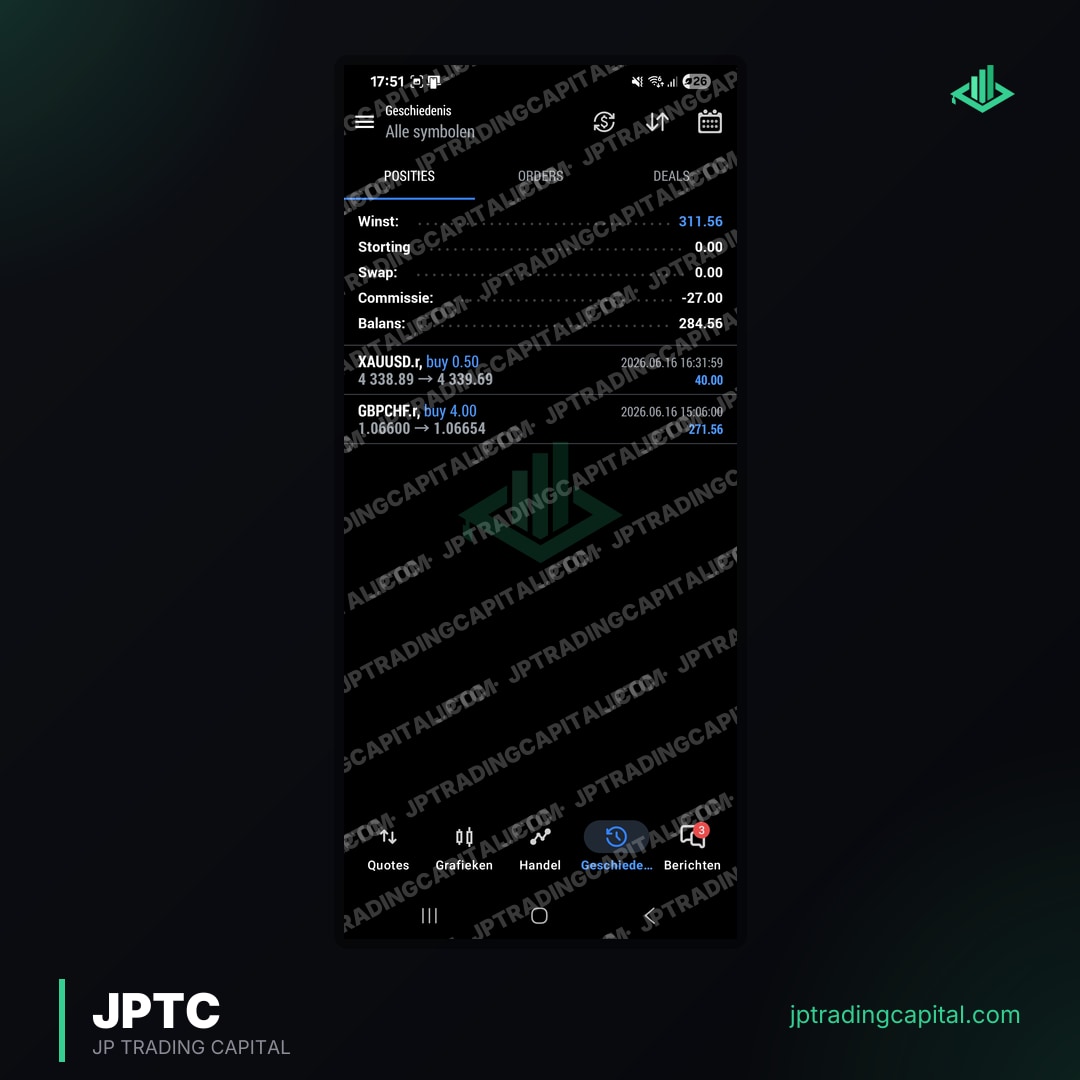
If you trade your own capital and want automation without running a terminal at all, the separate hosted Algo is a different product: JPTC hosts it and connects it to your own broker account, so there is nothing to install and no VPS. It is not offered for prop-firm evaluations and has no promised return. JPTC publishes figures from its broker statement on the results page; they are company-published, not an independent audit, and they do not show how an EA performs on your own terminal.
If no free EA you have tested keeps its worst day inside your firm's daily limit, the EA Hub is the paid option to put through the same demo test. See the JPTC EA Hub
Frequently asked questions
Are free MT4 expert advisors profitable?
Is it safe to download a free expert advisor?
Does a free MT4 EA work on MT5?
Can I use a free EA on an FTMO challenge?
What is the difference between a free EA and a free demo of a paid EA?
Related Articles
- Apex Trader Funding vs TopStep: Which Futures Prop Firm Is Best in 2026? · Read more →
- How to Choose the Right Prop Firm in 2026: Complete Selection Guide · Read more →
- Discord Trading Communities: Why Serious Traders Use Them · Read more →
- Can a Trading Bot Pass Gold EA Prop Firm Challenges? · Read more →
- Mastering MT4 EA Source Code: A Prop Firm Edge · Read more →
- MT4 vs MT5 for Prop Firm Trading: Which Platform to Choose? · Read more →
- Prop Firm EA Ltd: Automated Trading for Funding Success · Read more →
- Passing Prop Firm Challenges with MT5 EAs: A Comprehensive Guide · Read more →
Forex & Gold Signals, No Monthly Fee
Entry, stop loss and targets on every trade we take. It costs you nothing: open an account through one of our partner brokers and they cover it for you. You place every trade on your own account.
Join the signals channel