Best Free MT4 Expert Advisor: Prop Firm Ready?

The 'best' free MT4 Expert Advisor is subjective and often requires significant due diligence, but the MQL5.com marketplace is the primary source for credible options. For prop firm traders, the best free EAs are those highly adaptable to specific drawdown and consistency rules, often needing manual configuration or careful selection.
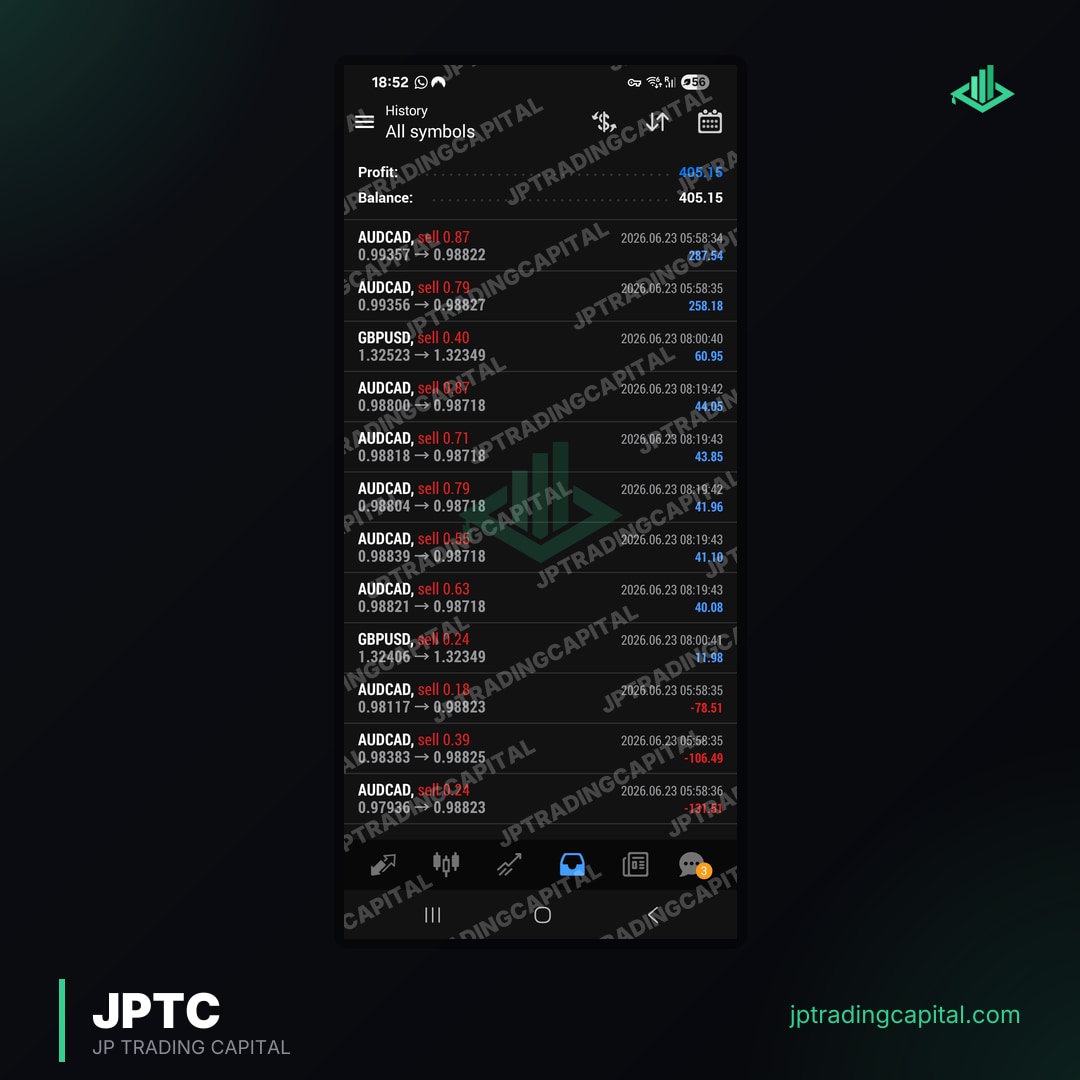
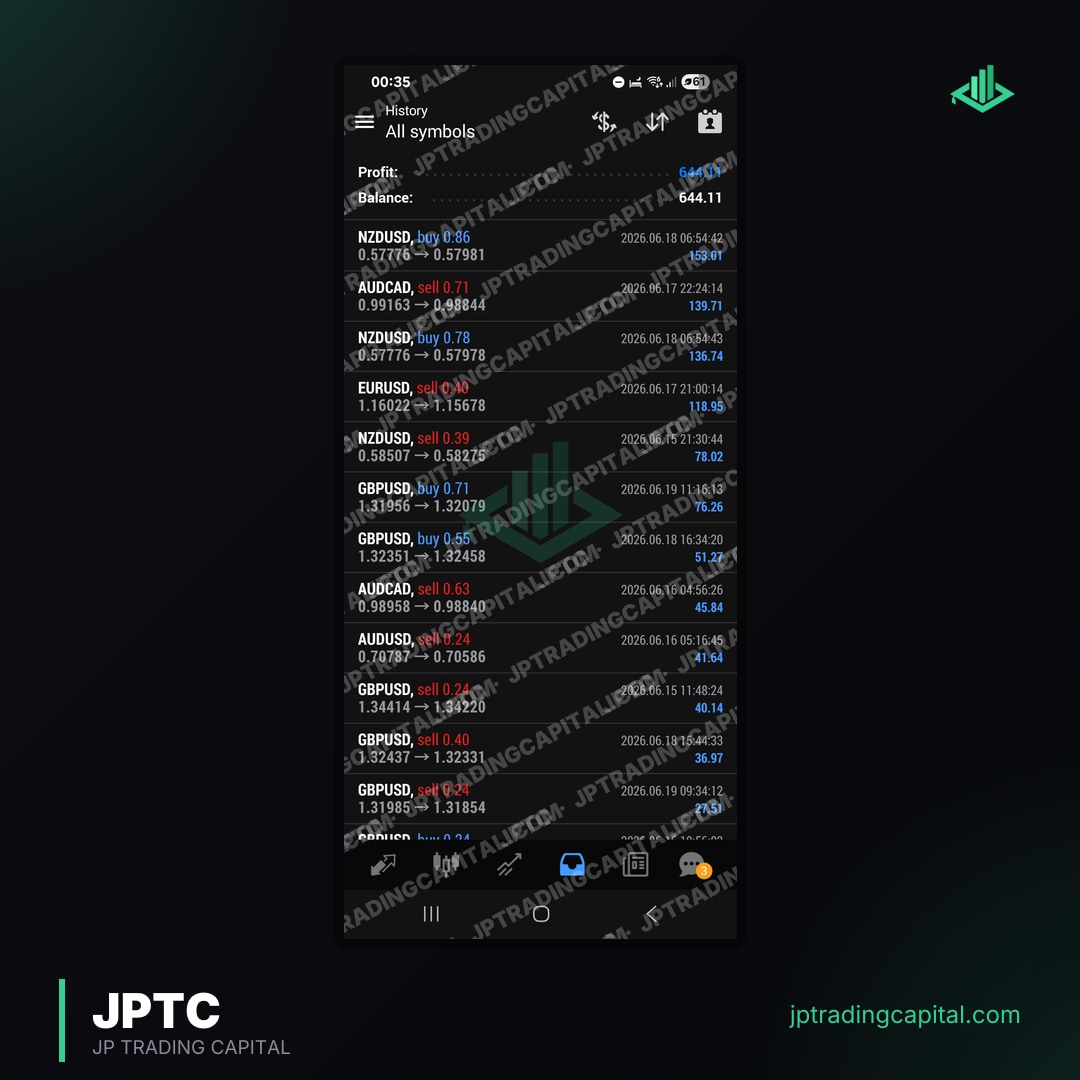
The reliable path is an algorithm with a public, live track record that trades inside prop firm rules on your own account. You keep full control and 100 percent of the profit, and you can inspect the real results before you spend anything.
- MQL5.com offers a vast repository of free MT4 EAs and indicators for download.
- Prop firm compatibility is crucial; most free EAs are not pre-configured for strict rules.
- Thorough backtesting and forward testing on demo accounts are essential for any free EA.
- Verify performance with independent tracking services like our results page to gauge reliability.
- 'Free' often means a significant time investment in optimization and risk management by the user.
What Makes an MT4 Expert Advisor 'Best' and 'Free'?
An Expert Advisor (EA), often referred to as a trading robot or automated trading bot, is a piece of software that runs on the MetaTrader 4 (MT4) platform. Its core function is to automate trading decisions based on pre-programmed rules, indicators, and strategies. EAs can execute trades, manage positions, and apply risk parameters without constant manual intervention, offering a significant advantage for traders seeking efficiency and discipline.
The allure of a 'free' MT4 Expert Advisor is undeniable. It promises access to automated trading strategies without an upfront financial commitment, making it an attractive starting point for retail traders, aspiring prop firm traders, and even seasoned professionals looking to explore new approaches. Free EAs can serve as valuable learning tools, allowing users to understand the mechanics of algorithmic trading, test different strategies, and gain practical experience with optimization.
However, the definition of 'best' is far more nuanced. For an EA to be considered 'best,' it must consistently generate profits, manage risk effectively, and demonstrate robustness across various market conditions. It needs to align with a trader's personal risk tolerance and trading objectives. The challenge with 'free' EAs is that they rarely come with verified, long-term performance track records or detailed documentation that supports their 'best' claims. Often, 'free' implies a significant investment of time and expertise from the user to evaluate, test, and optimize the software to make it truly effective.
The JPTradingCapital team understands this paradox intimately. While free tools offer accessibility, they often lack the crucial configurations and rigorous testing required for serious trading, especially within the stringent parameters of prop firm evaluations. We advocate for a clear understanding that the 'cost' of a free EA can manifest in the form of time spent on due diligence, potential losses from unoptimized settings, or the opportunity cost of not using a proven, tailored solution.
Where to Find Reliable Free MT4 Expert Advisors
When searching for a free MT4 Expert Advisor, identifying reliable sources is the first critical step. The internet is flooded with offers, but not all are trustworthy or effective. Our research indicates that one platform stands out as the most reputable and comprehensive hub for MetaTrader tools: MQL5.com.
MQL5.com is the official community and marketplace for MetaTrader users and developers. It offers a vast repository of Expert Advisors, indicators, scripts, and utilities, many of which are available for free. The platform fosters a community where developers share their creations, and users can provide feedback, ask questions, and often access detailed descriptions and screenshots.
Beyond MQL5.com, other potential sources include established forex forums like Forex Factory (which often features developer threads and discussions about free tools) and independent developer websites. However, caution is paramount when exploring these alternative avenues, as the quality and security of EAs can vary significantly. Always prioritize sources with a strong reputation, transparent developer information, and active community engagement.
Navigating the MQL5 Market for Free EAs
The MQL5 marketplace provides robust filtering and sorting options that are invaluable for finding a suitable free MT4 Expert Advisor. When browsing, we recommend utilizing the 'Free' filter to narrow down your search. Additionally, paying attention to the following aspects can help in your selection:
- Download Numbers and Ratings: EAs with a high number of downloads and positive user ratings often suggest reliability and effectiveness. While not a guarantee, it indicates a tool that many traders have found useful.
- Comments and Reviews: Read through user comments. These can offer insights into the EA's performance, potential bugs, specific usage tips, and developer responsiveness. Look for constructive feedback rather than just generic praise or criticism.
- Description and Screenshots: A well-documented EA will have a clear description of its trading logic, currency pairs it's designed for, timeframes, and any specific requirements. Screenshots of backtest results or live performance can also be indicative, though these should always be taken with a grain of salt unless independently verified.
- 'Demo' vs. 'Free': Be aware of the distinction. Some EAs are offered as 'free demos' which might have limited functionality, time restrictions, or only work on specific currency pairs. Genuinely 'free' EAs typically offer full functionality without such constraints, although they might still have limitations in terms of customization or support.
The Prop Firm Trader's Edge: Evaluating Free EAs for Funding Challenges
For prop firm traders, the quest for the best free MT4 Expert Advisor takes on an entirely new dimension. Prop firm evaluations are designed to identify skilled and disciplined traders, not just profitable ones. This means EAs must not only generate returns but also adhere strictly to a set of predefined rules that typically include daily drawdown limits, maximum drawdown limits, and consistency requirements. Most generic free EAs are developed without these specific constraints in mind, making their direct application to prop firm challenges highly risky.
Consider the FTMO's rules page, which specifies a 5% daily loss limit and a 10% maximum drawdown limit for their challenges. A free EA that might perform well in a standard retail account could easily breach these limits in volatile conditions, leading to an immediate failure of the evaluation. The challenge, therefore, lies in finding a free EA that is either inherently conservative or highly customizable to fit these strict parameters.
This is precisely where JPTradingCapital provides a distinct advantage. Our JPTC EA Hub offers automated Expert Advisors specifically pre-configured and backtested to respect prop-firm rules. While free EAs require extensive modification and risk management from the user, our tools are built from the ground up to navigate these challenges successfully. Visit our EA page to learn more about how our solutions can provide a significant edge in passing funding evaluations.
Key Metrics to Scrutinize for Prop Firm Compatibility
When evaluating a free MT4 Expert Advisor for prop firm compatibility, traders must look beyond simple profit figures. The following metrics are crucial:
- Maximum Drawdown (Absolute and Relative): This is arguably the most critical metric. An EA might have high returns but an unacceptable maximum drawdown. Prop firms typically have strict limits (e.g., 5-10%). Even if an EA is profitable, if its historical drawdown exceeds these limits, it is unsuitable. For instance, if a $100,000 account has a 5% daily drawdown limit, the EA must never lose more than $5,000 in a single trading day.
- Profit Factor: This ratio measures the gross profit divided by the gross loss. A profit factor above 1.75 is generally considered good, indicating that the EA generates significantly more profit than it loses. Higher is better, but consistency is key.
- Expectancy: This metric tells you the average profit or loss you can expect per trade. A positive expectancy is essential for long-term profitability.
- Consistency: Prop firms often look for consistent performance rather than relying on a few large winning trades. An EA that produces a steady equity curve with manageable drawdowns is preferable to one with erratic swings. Look for EAs that demonstrate a consistent win rate and average profit per trade.
- Average Trade Duration and Frequency: Some prop firms may have rules or preferences regarding scalping (very short trades) or holding trades over weekends. Understand the EA's typical trade duration to ensure it aligns with the prop firm's guidelines.
Beyond Installation: Optimizing and Managing Free MT4 EAs
Downloading and installing a free MT4 Expert Advisor is merely the first step. To transform a generic free tool into a potentially valuable asset, especially for prop firm challenges, requires significant optimization and ongoing management. The JPTradingCapital team emphasizes that even the 'best free MT4 Expert Advisor' is only as good as its configuration and the trader's oversight.
The core of this process involves rigorous backtesting and forward testing. Backtesting uses historical data to simulate how the EA would have performed in the past. While useful for initial screening, backtest results can be misleading due to data quality issues, over-optimization, or differences between historical and live market conditions. Therefore, forward testing on a demo account is indispensable. This involves running the EA in real-time, on a reputable broker's demo account, to observe its performance under live market conditions without risking real capital.
Understanding EA Parameters and Customization
Most Expert Advisors, even free ones, come with adjustable parameters. These inputs allow traders to customize the EA's behavior, such as lot size, stop loss and take profit levels, time filters, indicator settings, and more. Understanding and optimizing these parameters is crucial:
- Lot Sizing: This is fundamental for risk management. Instead of fixed lot sizes, consider dynamic lot sizing based on a percentage of your account equity. For example, risking 1% of your account per trade.
- Stop Loss and Take Profit: These should be set based on market volatility and the EA's strategy, not arbitrary numbers. Ensure they align with your prop firm's maximum loss limits.
- Time Filters: Some EAs perform better during specific trading sessions or avoid news events. Adjusting time filters can significantly improve performance and reduce exposure during high-risk periods.
- Indicator Settings: If the EA uses indicators (e.g., Moving Averages, RSI), adjusting their periods can fine-tune the EA's entry and exit signals.
The optimization process should be systematic, testing one or two parameters at a time to understand their impact. Avoid 'over-optimization,' where an EA is tuned so perfectly to past data that it fails completely in live trading. The goal is robustness, not theoretical perfection.
The 'cost' of a free EA truly emerges here. The time spent learning, testing, optimizing, and monitoring can be substantial. For traders who prefer to focus on strategy rather than development, this can be a significant hurdle. This is why tools like the JPTC EA Hub provide pre-optimized solutions, saving valuable time and effort.
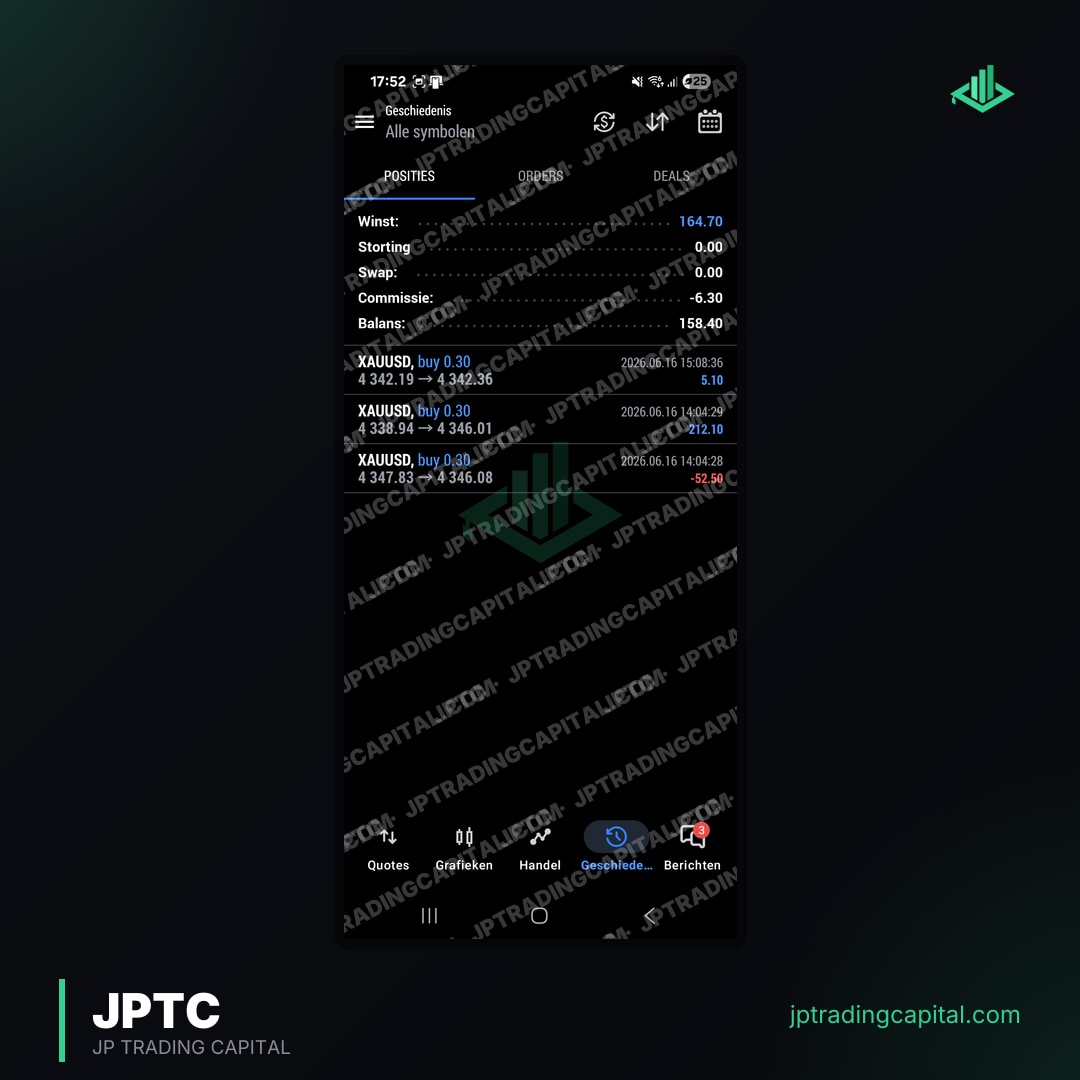
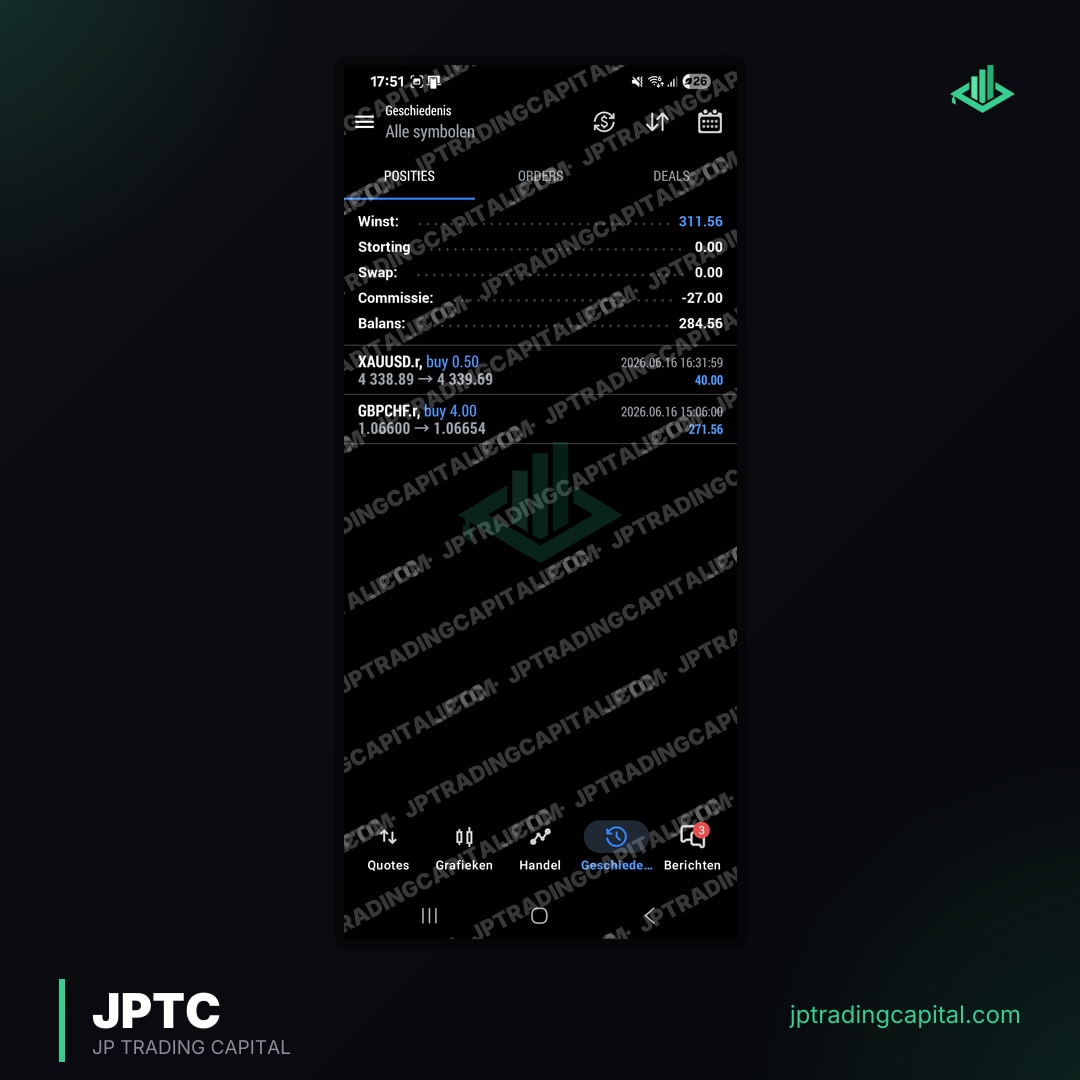
Finally, verification of performance is paramount. Using independent tracking services like our results page allows traders to publicly track and verify the live performance of their EAs. This transparency provides an unbiased view of an EA's profitability and drawdown, essential for building trust and confidence. For an example of what a 2-year live algo track record looks like, see JPTradingCapital's published results.
Common Pitfalls When Using Free MT4 Expert Advisors
While the prospect of a free MT4 Expert Advisor is appealing, traders must be aware of common pitfalls that can undermine their efforts and lead to frustration or financial losses. The JPTradingCapital team consistently observes these issues among traders who rely solely on unvetted free tools:
- Unrealistic Expectations: Many traders approach free EAs with the hope of finding a 'holy grail' that generates effortless wealth. No EA, free or paid, guarantees constant profits without risk. Expecting consistent high returns with zero drawdown is a recipe for disappointment.
- Over-Optimization: This is a prevalent issue where an EA's parameters are excessively fine-tuned to historical data, resulting in exceptional backtest performance that crumbles in live market conditions. Over-optimized EAs are brittle and fail to adapt to even minor market shifts.
- Lack of Due Diligence: Downloading an EA without thoroughly researching its developer, reading reviews, understanding its logic, or verifying its performance is a significant risk. Trusting an unvetted free EA with your trading account can lead to rapid losses.
- Ignoring Broker Conditions: An EA's performance can be heavily influenced by your broker's trading conditions, including spreads, slippage, execution speed, and commission structure. A free EA that performs well on one broker's demo might struggle on another's live account.
- Security Risks: Downloading free software from untrusted websites can expose your computer to malware, viruses, or even malicious code embedded within the EA itself, designed to exploit your trading account. Always download from reputable sources like MQL5.com.
- Set-and-Forget Mentality: Even the most robust EAs require monitoring. Market conditions change, and an EA's effectiveness can diminish over time. A 'set-and-forget' approach often leads to significant drawdowns or missed opportunities for adjustment.
Avoiding these pitfalls requires a disciplined, analytical approach, treating every free EA as a hypothesis that needs rigorous testing and validation before deployment on a live account, especially within the confines of a prop firm challenge.
JPTradingCapital's Solution for Serious Traders
The journey to finding the 'best free MT4 Expert Advisor' for serious trading, especially for prop firm challenges, is fraught with challenges. The extensive time required for research, backtesting, optimization, and continuous monitoring can be a significant barrier for many traders. While free EAs offer an entry point, they often lack the sophistication, reliability, and most importantly, the prop-firm-specific rule adherence that professional traders demand.
At JPTradingCapital, we understand these complexities intimately. Our mission is to bridge the gap between the aspiration for automated trading and the reality of achieving consistent, rule-compliant performance, particularly for those navigating the stringent requirements of prop firm evaluations. We build trading tools for prop firm traders, focusing on solutions that mitigate the risks and time investment associated with generic free EAs.
Our flagship offering, the JPTC EA Hub, provides automated Expert Advisors pre-configured with backtested strategies that meticulously respect prop-firm rules. This includes adherence to daily drawdown caps, maximum loss limits, and consistency requirements across various prominent prop firms such as FTMO, FundedNext, FXify, TopStep, The5ers, and E8 Funding. Our EAs are designed to work seamlessly on both MT4 and MT5, offering a robust and reliable alternative to the often-unpredictable world of free EAs.
By choosing JPTradingCapital, traders gain access to professionally developed and rigorously tested EAs, allowing them to focus on their overall trading strategy and evaluation progress rather than the arduous task of vetting and optimizing countless free tools. We offer a path to automated trading that is aligned with the demands of modern prop firm challenges, built on a foundation of experience and verifiable performance.
For those who resonate with our approach and wish to share robust trading tools with their community, we also offer an attractive affiliate program. Partner with us and empower more traders to achieve their funding goals with reliable, rule-compliant automated strategies.
Are free MT4 EAs profitable?
How do I install a free MT4 Expert Advisor?
Can I use free EAs for prop firm challenges?
What is the difference between an EA and an indicator?
Forex & Gold Signals, No Monthly Fee
Entry, stop loss and targets on every trade we take. It costs you nothing: open an account through one of our partner brokers and they cover it for you. You place every trade on your own account.
Join the signals channelRelated Articles
Trading forex and CFDs involves significant risk and is not suitable for all investors. Past performance does not guarantee future results. You should not invest money you cannot afford to lose. The content on this page is for informational purposes only and does not constitute financial advice. JPTradingCapital does not accept liability for any loss or damage arising from reliance on the information provided. Always conduct your own research before making trading decisions.