Best Forex Trading Bot for MT5: Real Ticks, Setfiles, Fit
For MT5, the best forex trading bot is an Expert Advisor (EA) that survives three checks you can run yourself: a Strategy Tester run on your broker's real ticks, a fit with your account's hedging or netting mode, and loss limits that fit your account in money. No 2026 ranking can name that bot for you, because the account decides as much as the bot: a robot that is fine on your own broker account can break a prop firm's daily loss rule on its first bad day, and some firms do not allow MT5 bots at all.
What MT5 bot rankings leave out
Many lists of the best trading robots for MetaTrader 5 rank by popularity, a headline return or a Strategy Tester curve. That curve depends on settings the list rarely shows: the modelling mode, the spread and commission, the dates and the account mode it ran on. A smooth curve can also come from tuning inputs to past prices until it looks good (curve fitting), and a high return often comes with a deep drawdown, which is exactly what a loss rule punishes. Markets also shift from year to year, so last year's winner proves little on its own. The useful question is narrower: which EA can trade this account, under these rules, with recent evidence you can check?
What the best MT5 trading bot has: six checks before you buy
1. A strategy you can describe in two sentences
You should be able to say what the bot trades, on which timeframe, what triggers an entry and what closes a trade. If the vendor will not say whether the EA uses a grid, averages down or raises size after a loss (martingale), assume it does. Those methods can show long winning streaks and then one very large loss, the worst profile for any account with a hard loss limit.
2. Risk controls you set in money
The bot should let you set risk per trade as a share of the balance, a cap on open trades, a daily loss stop and an overall loss stop. Translate each one into money before you run it. An illustrative example: on a $100,000 account with a 5% daily loss limit, the limit is $5,000. If the EA risks 1% per trade and may hold four trades at once, one bad cluster can cost $4,000 before slippage, which leaves only $1,000 of room. Lower the risk per trade or cap the open trades until the worst cluster fits well inside the limit, and check how your firm measures the limit: on balance or on equity, and from which point in the day.
A stop or a close request is an instruction, not a guaranteed fill: gaps and fast markets can fill beyond it. Automation repeats the instructions it was given, including poor ones, so it does not make a rule breach impossible.
3. Evidence you can check
A backtest shows how the rules would have traded past prices under the tester's settings. A forward test on a demo account shows the EA running in current conditions on your broker's feed. A real account statement shows actual fills, costs and slippage over a stated period. Ask for the original account data, the reporting period, the deepest drawdown and the test conditions: symbols, spread and commission, the modelling method and the dates. Backtests, screenshots and examples are historical and do not guarantee future results, and a vendor's own published figures are not an independent audit. Our guide to checking whether a backtest is real goes through those questions one by one.
4. MT5 details that change how a bot trades
MetaTrader 5 supports two position accounting modes, netting and hedging. On a netting account you hold one position per symbol, so an EA built to open several positions on the same pair, or to hedge, behaves differently there. Ask which mode the EA was built and tested on, and check which one your account uses. Also check that the bot reads your broker's symbol names (many brokers add a suffix), that algorithmic trading is enabled in the terminal, and that the EA keeps working after a terminal update. Rule a bot out, or ask more before you pay, if you see any of these:
- A Strategy Tester report with no modelling mode stated, or one run on open prices only for a strategy that trades inside the bar.
- Results from a hedging account and no answer on how the EA behaves on netting, when your account is netting.
- Symbol names fixed in the code, so the EA will not trade your broker's suffixed symbols.
- No setfile for your symbol and account size, or setfiles with no note of the test conditions behind them.
5. A place to run it
An EA only trades while its MT5 terminal is open and connected. A home PC that sleeps, restarts for updates or drops its connection means missed exits as well as missed entries. A VPS keeps the terminal running when your own computer is off. For your own capital, the hosted option further down needs no terminal at all.
6. Settings you can understand and change
A good EA comes with setfiles and a plain explanation of every input. Settings belong to the pair and timeframe the strategy was built for: inputs tested on EUR/USD will not carry straight over to a more volatile pair such as GBP/JPY. If the only advice you get is to keep the defaults, or nobody can say how the EA handles news, weekends and price gaps, you cannot adapt the bot to your account's rules.
Own broker account or prop-firm evaluation: two different best bots
The same EA can suit one account and be the wrong tool on another.
| What decides the choice | Your own broker account | A prop-firm evaluation |
|---|---|---|
| Loss limit | The one you set | The programme's daily and maximum loss rules |
| Automation | Allowed if your broker supports EAs on MT5 | Depends on the firm and programme; some ban it |
| Time | No deadline and no target | A profit target, sometimes minimum trading days |
| Evidence that matters | A real account statement over a stated period | Behaviour under the exact programme, phase and account version |
| Where it can run | Your own terminal, or a hosted service on your account | Your own terminal, where the firm allows EAs |
Firm rules that decide which MT5 bot you can use
Check the programme and the account version, not just the firm. As of October 2026, FTMO's rules give the 2-Step a 5% daily and a 10% maximum loss limit (static) with at least 4 trading days in each phase, and the 1-Step a 3% daily and a 10% maximum loss limit (end-of-day trailing) with no minimum trading days; neither has a time limit. Do not assume one setfile suits both: the tighter daily limit and the trailing maximum call for lower risk per trade, and with no deadline, a bot tuned to hit the target fast adds risk the rules do not ask for. Other firms rule out a bought MT5 bot altogether or allow EAs only on some account sizes; our guide to which prop firms allow EAs covers them firm by firm.
Shortlisting MT5 EAs: one routine for every candidate
Do this in your own MT5 terminal before you pay for a licence, and start with the account rather than the EA.
Name the account and write its rules in money. Your own broker account, or the exact programme, phase and account version (FTMO 2-Step rather than just FTMO), with its automation permission, daily loss, maximum loss and any consistency rule as they stand today.
Then run every candidate through the same Strategy Tester routine, set out step by step in our guide to MT5 expert advisors: your broker's exact symbol and the vendor's setfile, Every tick based on real ticks, the worst day and deepest drawdown against your limits in money, and a forward run on demo before you decide where it runs.
JPTC's MT5 options: EA Hub licence or hosted Algo
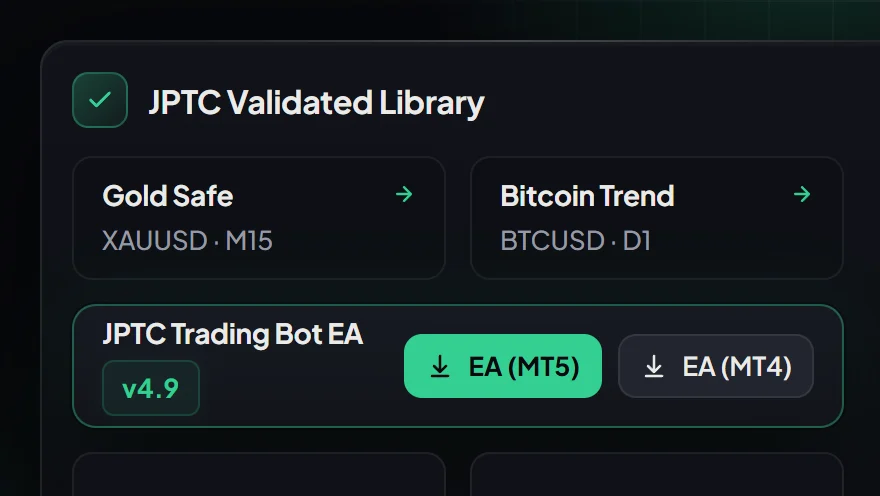
EA Hub, for MT5 traders on prop-firm programmes that allow EAs. The JPTC EA Hub is an MT4/MT5 Expert Advisor licence with configurable setfiles. You download it and run it on your own terminal, on a reliable PC or VPS; we do not host it. It is built around prop-firm risk rules for MT4/MT5 prop firms. Its enabled limits can stop new entries and request closure of open positions, but they cannot guarantee an execution price or prevent every breach. A firm preset or name is not proof of compatibility or approval: before you rely on a setfile, check the programme, the account version and the test conditions it covers against the firm's current rules. It cannot guarantee a pass, a payout or profit.
Where the EA Hub does not fit. It is not for Topstep or Apex accounts, nor for The5ers, which as of October 2026 bans third-party automation. As of October 2026, on FundedNext the EA Hub is only a candidate on Stellar accounts below $50K, and only where FundedNext does not treat it as an EA built to pass challenges; it has no role on FundedNext Futures accounts such as Flex. On a 5K or 10K challenge, the licence costs several times the challenge fee.
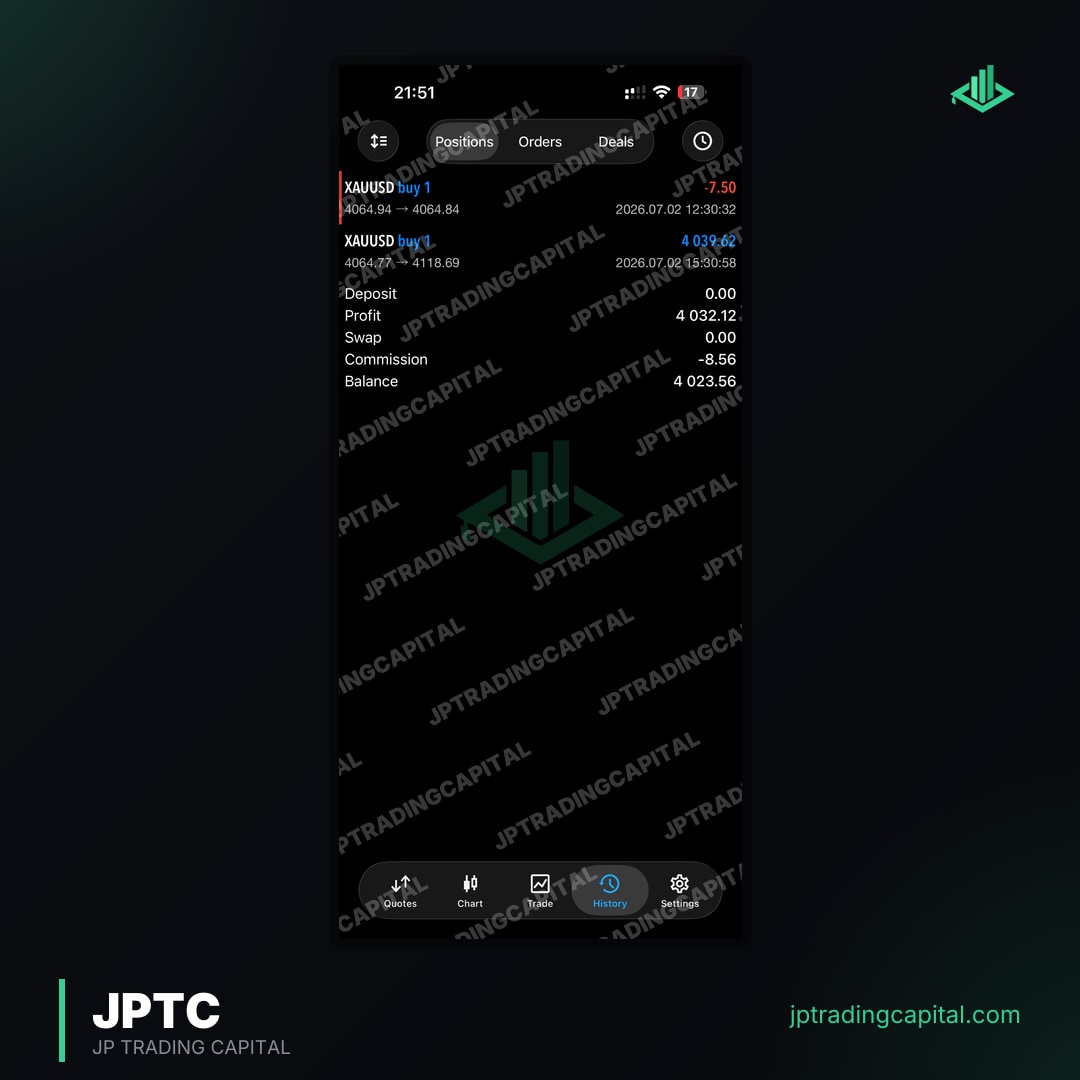
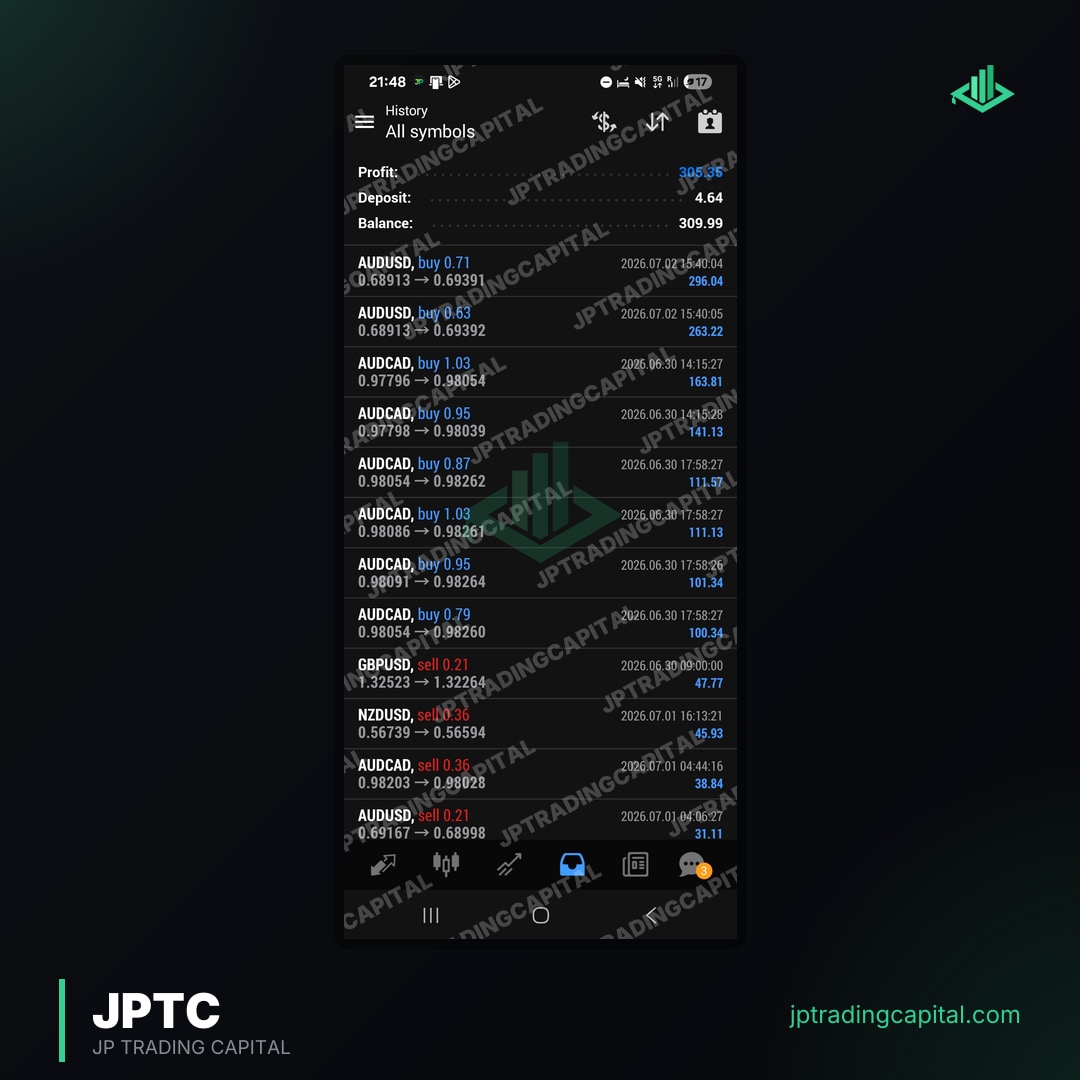
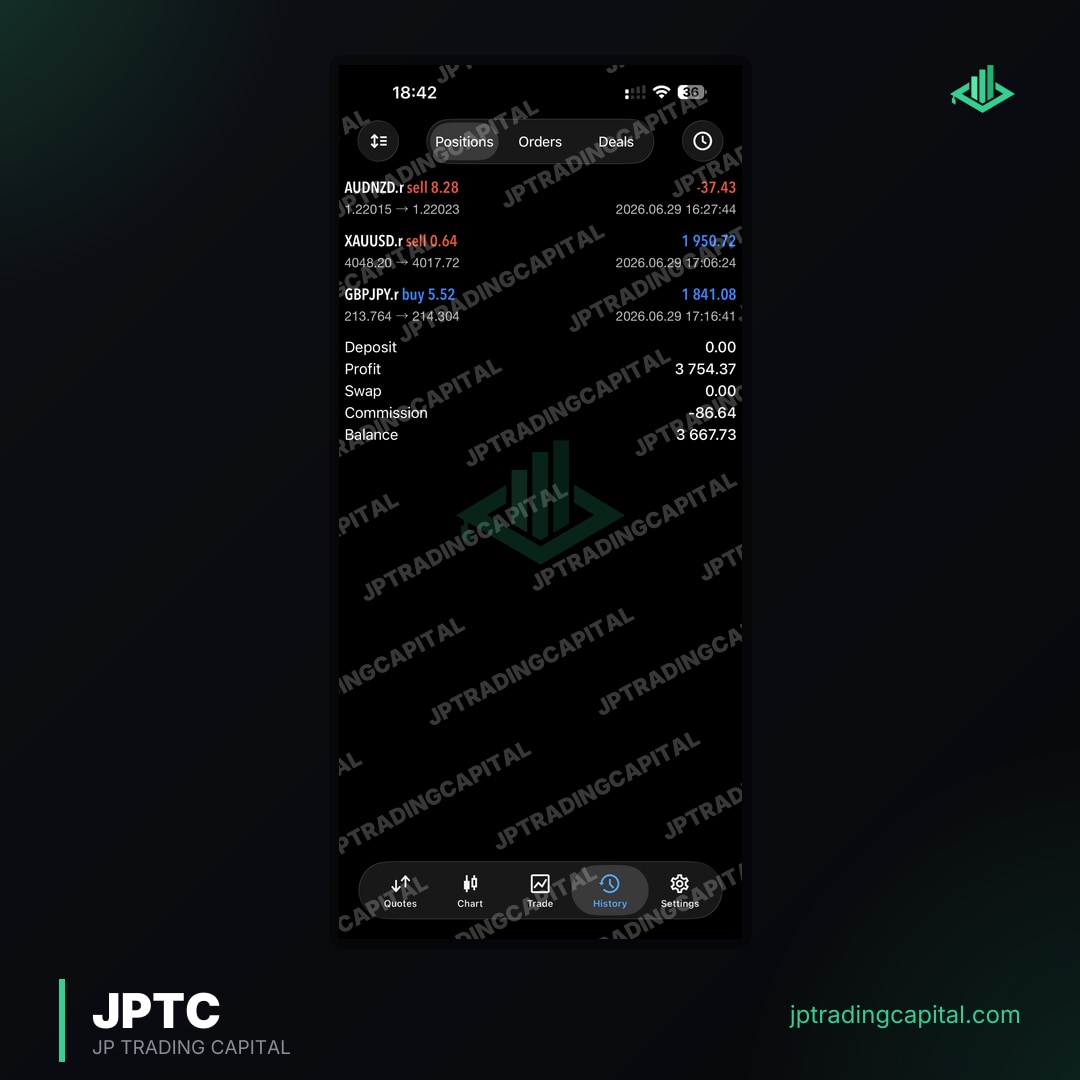
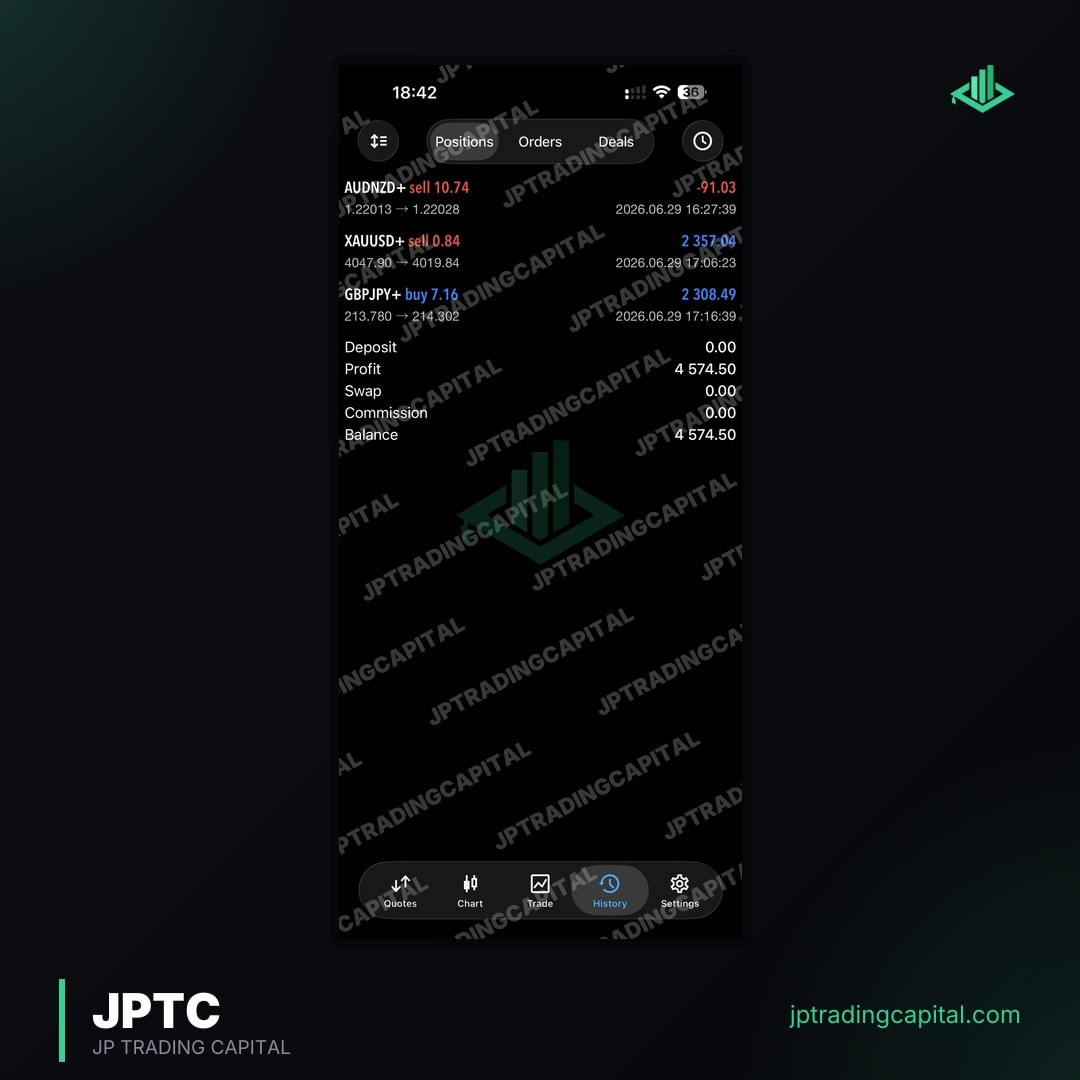
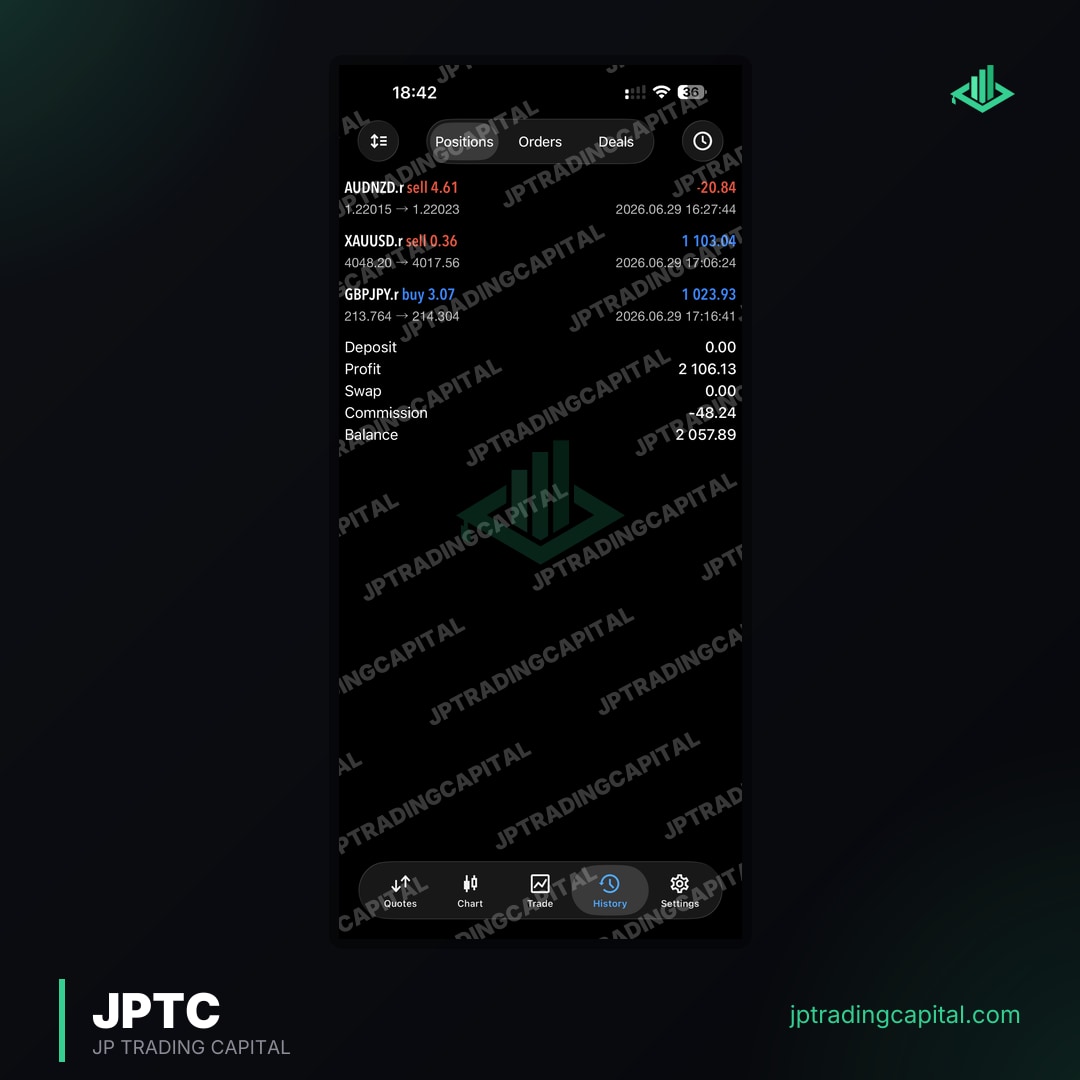
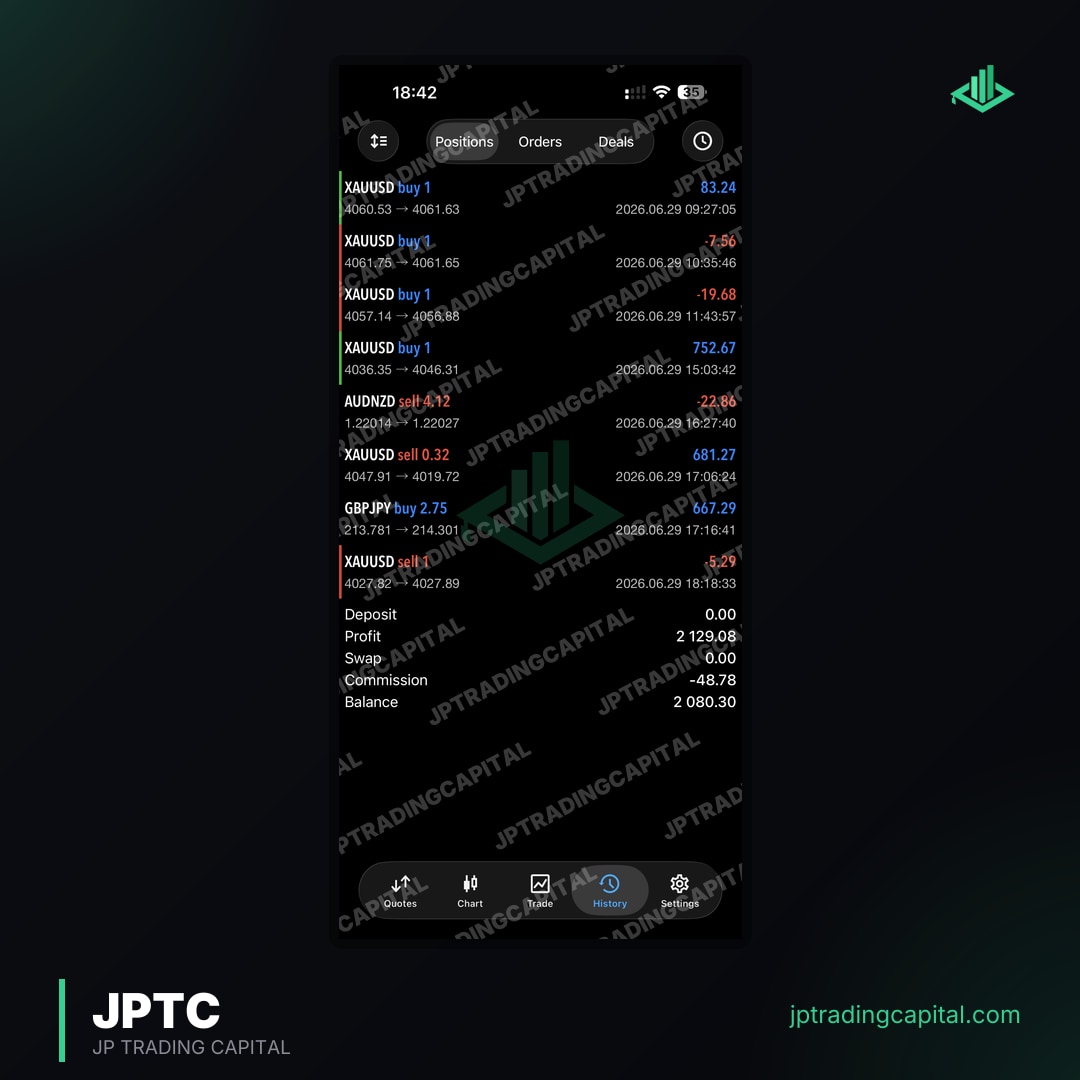
Hosted Algo, for automated trading on your own capital. The hosted JPTC Live Algo is the separate option for automation on your own broker account without running MT5 yourself: we host it on our own infrastructure and connect it to your account, so there is nothing to install and no VPS. It is built to grow your own account, it is not offered for prop-firm evaluations, and there is no promised return. Our results page shows company-published monthly figures from the broker statement; they are not an independent audit and do not predict how another strategy will do.
Passing service, if you would rather hand over the challenge. Our challenge passing service starts at 100K and runs until the challenge is passed, but nobody can guarantee a pass. FTMO and The5ers prohibit third parties trading your account, and passing services operate in that grey area. Read the firm's terms on account access before you buy. The account stays in your name, so the risk of a review sits with you.
If you trade MT5 on a programme that allows EAs and want a licence built around its risk rules: See the JPTC EA Hub →
Questions traders ask before buying an MT5 bot
Is an Expert Advisor the same as an MT5 trading bot or robot?
Which is the best forex bot in 2026?
Can an MT5 bot pass a prop-firm challenge for me?
Related Articles
- Best Forex Trading Bot 2026: Prop Firm Success · Read more →
- Forex Trading Bots: Automate Your Strategy · Read more →
- Forex Bot Trading: Master Automated Prop Firm Challenges · Read more →
- Forex Trading Bot: Your Automated Profit Partner · Read more →
- Forex Trading Bot AI: Master Prop Firms & Maximize Profits · Read more →
- Forex Trading Bot for Android: Your Guide · Read more →
- Forex Trading Bot GitHub: Your Open-Source Guide · Read more →
- Forex Trading Bot MT5: Your Prop Firm Edge · Read more →
Automated forex and gold trading
Runs on your own account at your own broker. We host and set it up, so there is nothing to install and no VPS. No profit share, no monthly fee.
See how it works