Seamless MT4 Expert Advisor to MT5 Migration Guide

Converting an MT4 Expert Advisor to MT5 requires adapting its MQL4 codebase to the MQL5 language, primarily due to differing syntax, object models, and API functions. While not a direct plug-and-play, the process involves modifying the source code (.mq4) to comply with MQL5 standards, recompiling it into an .ex5 file, and then installing it within the MetaTrader 5 platform's MQL5/Experts directory.
- MQL4 EAs require source code (.mq4) modification for MQL5 compatibility.
- Key differences include syntax, event handling, and order management functions.
- Conversion enables access to MT5's faster execution and additional features.
- Prop firm traders benefit from MT5's robust backtesting capabilities post-migration.
- Installation on MT5 involves copying the .ex5 file to the MQL5/Experts folder.
Why Migrate Your MT4 EA to MT5?
For many traders, the decision to migrate an existing mt4 expert advisor to mt5 is driven by a desire to leverage the advancements of the newer platform. MetaTrader 5, while sharing a similar interface with its predecessor, offers significant enhancements under the hood that can benefit automated trading strategies.
Performance and Efficiency Gains
One of the most compelling reasons for migrating is the performance improvement. The MQL5 language, which powers MT5 Expert Advisors, is designed for greater efficiency. Our research shows that MQL5 programs can execute operations up to 20 times faster than MQL4, owing to its more optimized architecture and capabilities for multi-threaded calculations. This speed can be critical for high-frequency strategies or EAs requiring rapid market analysis and order execution, reducing latency and potentially improving trade timing.
Enhanced Backtesting and Optimization
MetaTrader 5 boasts a significantly more powerful and flexible strategy tester. Unlike MT4's single-thread testing, MT5 supports multi-threaded, multi-currency, and real tick data backtesting. This allows for more precise and reliable historical simulations, which is invaluable for validating an mt4 expert advisor to mt5 after conversion. Prop firm traders, in particular, find MT5's comprehensive backtesting environment essential for optimizing EAs to meet strict profit targets and drawdown limits before live deployment.
Broader Market Access and Features
MT5 was designed to support a wider range of financial instruments, including stocks, futures, and options, in addition to forex. While many prop firms focus primarily on forex, having an EA compatible with MT5 opens doors to exploring diverse markets. Furthermore, MT5 offers more timeframes, advanced charting tools, and an expanded set of technical indicators, providing a richer environment for strategy development and analysis.
Understanding the Core Differences: MQL4 vs. MQL5
The journey to convert an mt4 expert advisor to mt5 fundamentally involves understanding the differences between their respective programming languages: MQL4 and MQL5. While visually similar, they are distinct, making direct compatibility impossible.
Language Syntax and Object-Oriented Programming
MQL5 is a more modern, object-oriented programming language compared to MQL4. It introduces classes, structures, and other object-oriented features that allow for more modular, reusable, and complex code. While MQL4 is procedural, MQL5 encourages a more structured approach, which can initially pose a learning curve for developers accustomed to MQL4's simpler paradigm. Variables, data types, and function declarations also have subtle but important differences that require careful adaptation.
Event Handling and Predefined Functions
The way EAs interact with the platform and market events differs significantly. MQL5 uses a more event-driven model, with functions like OnInit(), OnDeinit(), OnTick(), OnTrade(), and OnTimer() having specific roles. Some MQL4 functions have been deprecated, renamed, or replaced with more robust alternatives in MQL5. For instance, global variables are handled differently, and specific functions for accessing historical data or managing charts have evolved, requiring a thorough review of the original MQL4 code.
Order Management and Position Accounting
Perhaps the most significant difference for automated trading lies in order management. MQL4 uses a 'netting' system where multiple trades on the same instrument are treated individually. MQL5, however, primarily operates on a 'hedging' system by default (though netting is also possible if the broker supports it), where trades on the same instrument are aggregated into a single position. This requires a complete rewrite of order opening, modification, and closing logic when porting an mt4 expert advisor to mt5. Functions like OrderSend() in MQL4 are replaced by a more comprehensive CTrade class in MQL5, which handles various trade operations.
The Step-by-Step Process for MT4 Expert Advisor to MT5 Conversion
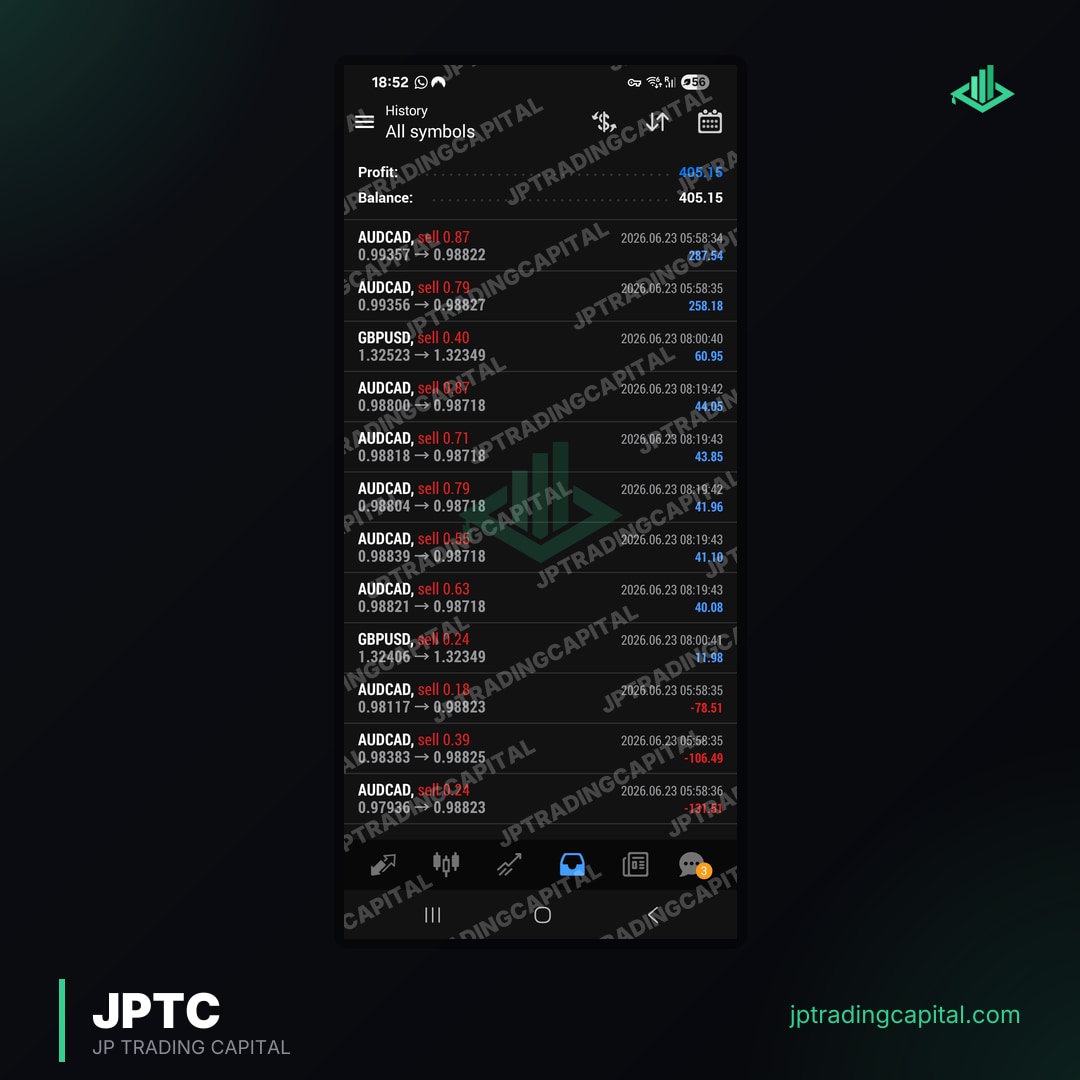
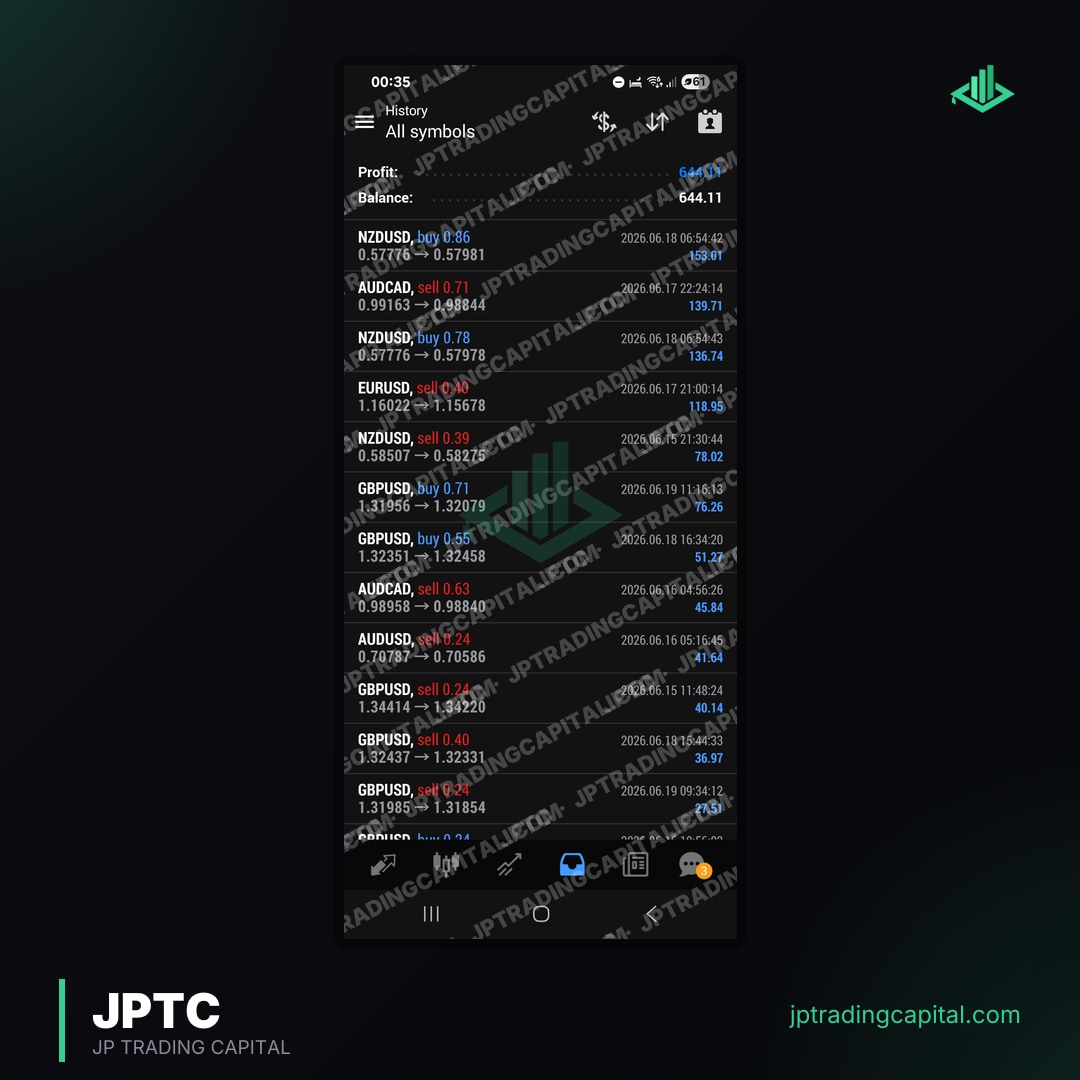


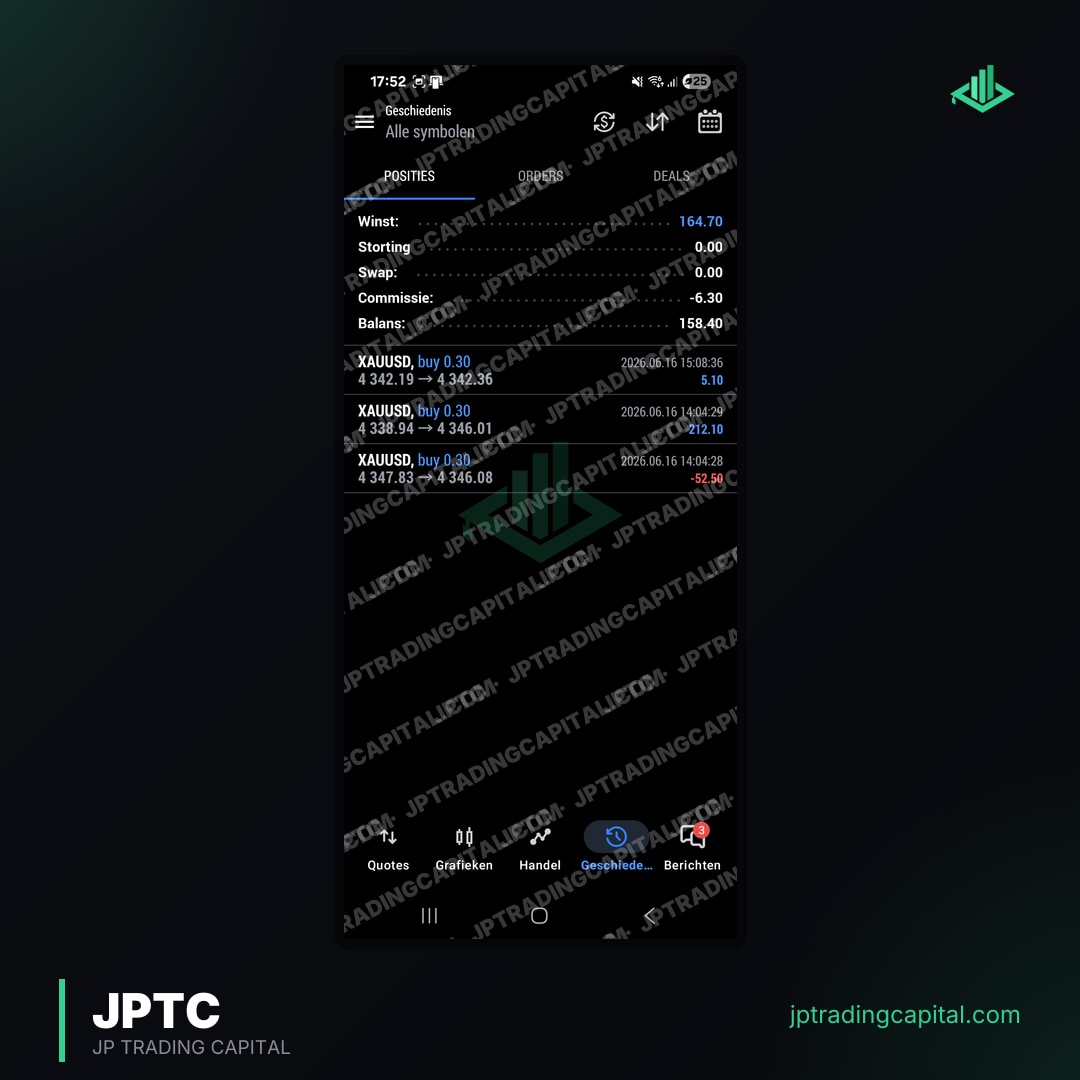
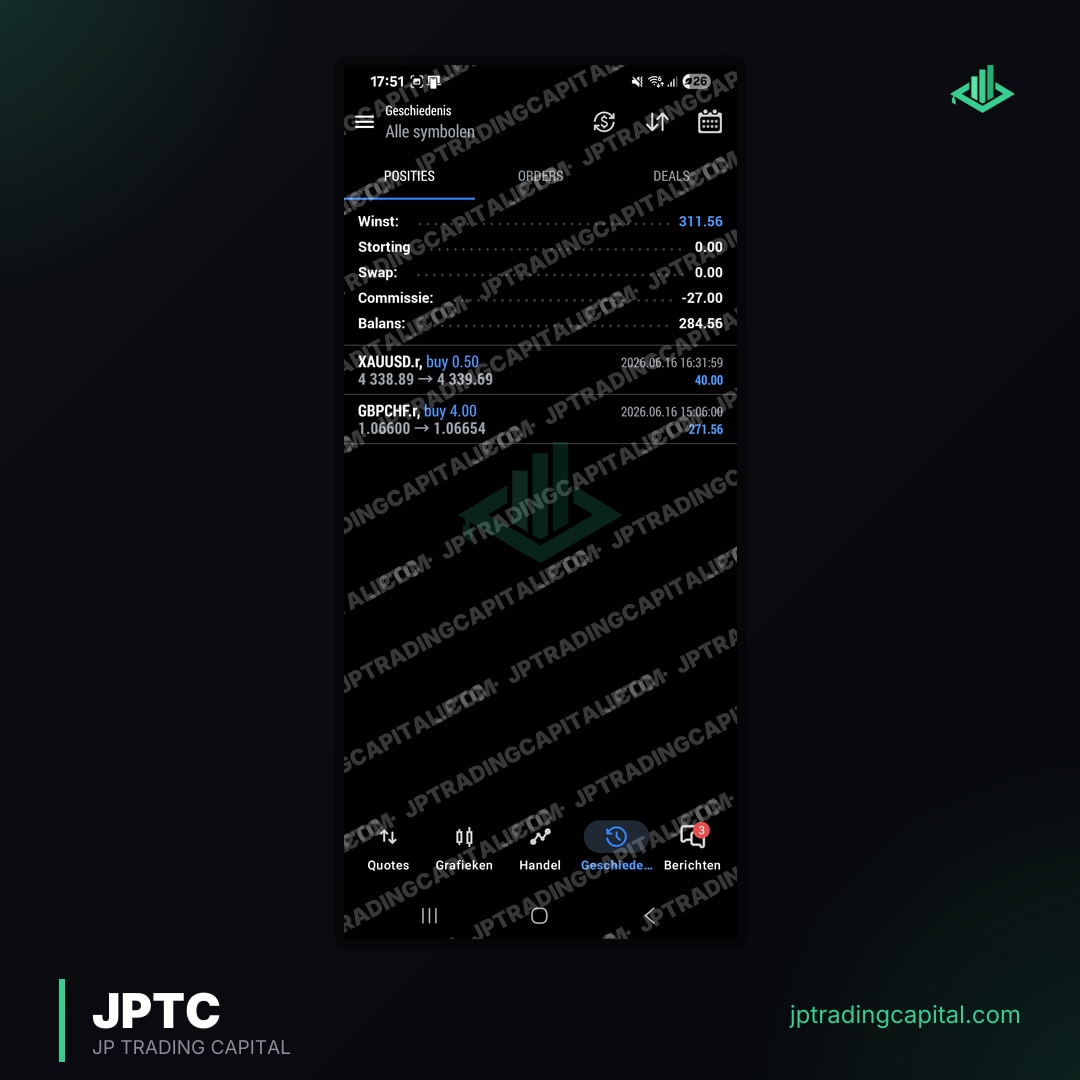
Converting an EA from MQL4 to MQL5 is a systematic process that requires programming knowledge and attention to detail. It's not simply a matter of recompiling the code.
Preparing Your MQL4 Code
- Backup Everything: Always start by creating a complete backup of your original MQL4 source code (.mq4 file) and any associated include files (.mqh).
- Review and Document: Go through your MQL4 code line by line. Understand its logic, identify custom functions, external libraries, and any unique dependencies. Document key trading logic, entry/exit conditions, and money management rules.
- Identify MQL4-Specific Functions: Pinpoint all MQL4-specific functions that do not have direct MQL5 equivalents or require significant changes, especially those related to order management, indicator calls, and object creation.
Adapting Syntax and Functions
- Basic Syntax Changes: Start by addressing fundamental syntax differences. This includes variable declarations (e.g.,
boolinstead ofintfor boolean values), array handling, and string operations. - Order Management Rewrite: This is often the most time-consuming part. Replace MQL4's
OrderSend(),OrderModify(), andOrderClose()with the MQL5CTradeclass methods. Adapt your code to MT5's position accounting system. - Indicator and Object Handling: Update calls to standard indicators (e.g.,
iMA(),iRSI()) to their MQL5 counterparts. Chart objects (lines, arrows, text) also have different creation and modification functions. - Event Handlers: Ensure your EA correctly implements MQL5's event handlers (
OnInit(),OnDeinit(),OnTick(), etc.) and that your logic is correctly placed within them. - Library Adaptation: If your MQL4 EA uses custom libraries (.mqh files), these will also need to be reviewed and potentially rewritten for MQL5 compatibility.
Compiling and Testing on MT5
- Compile in MetaEditor 5: Once you believe the code is adapted, open the .mq5 file in MetaEditor 5 (which comes with MetaTrader 5) and attempt to compile it. Address all compiler errors systematically.
- Unit Testing: Test individual components of your converted EA (e.g., order opening, stop loss modification, indicator calculations) in a demo environment to ensure they function as expected.
- Strategy Tester Backtesting: Use MT5's strategy tester for comprehensive backtesting. Compare the results with your MT4 backtest results, paying close attention to trade entries, exits, and overall profitability.
- Forward Testing: Deploy the converted EA on a demo account for forward testing in real-time market conditions before considering it for live trading.
Beyond Conversion: Optimizing Your MT5 EA for Prop Firm Success
Simply converting an mt4 expert advisor to mt5 is often not enough, especially for traders aiming to pass prop firm evaluations. Prop firms like FTMO, FundedNext, and FXify have strict rules that require EAs to be specifically adapted and optimized.
Integrating Drawdown and Max Loss Limits
Prop firms typically enforce daily drawdown and maximum overall loss limits. A standard retail EA might not have built-in logic to respect these rules. After converting your EA, it's crucial to integrate robust risk management code that monitors account equity and automatically suspends trading or closes positions if these limits are approached. This proactive management is vital for avoiding challenge breaches.
Ensuring Consistency and Scalability
Many prop firms also look for consistency in trading performance. EAs designed for aggressive retail trading might generate inconsistent results or use excessively large lot sizes, leading to challenge failure. Optimizing your MT5 EA involves refining its money management modules to ensure consistent risk per trade and scalable lot sizing that aligns with prop firm guidelines, regardless of account size.
Rigorous Backtesting with Prop Firm Parameters
Leverage MT5's advanced strategy tester to backtest your converted EA specifically against prop firm rules. This means setting up custom optimization criteria that prioritize steady growth, controlled drawdown, and consistent profit factors, rather than just maximizing gross profit. This targeted backtesting helps identify optimal parameters that comply with evaluation requirements.
The JPTC EA Hub Advantage
At JPTradingCapital, we understand the unique demands of prop firm trading. Our flagship JPTC EA Hub offers automated Expert Advisors pre-configured with backtested strategies that inherently respect prop-firm rules, including daily drawdown caps, max loss limits, and consistency requirements. These EAs are built to work seamlessly on both MT4 and MT5 across various leading prop firms such as FTMO, FundedNext, FXify, TopStep, The5ers, and E8 Funding, providing a ready-made solution for traders who prefer not to undertake complex conversions or extensive optimization themselves.
Installation and Management of Your MT5 Expert Advisor
Once your mt4 expert advisor to mt5 conversion is complete and the EA is compiled into an .ex5 file, installing it on MetaTrader 5 is straightforward.
Locating the MT5 Data Folder
To install an Expert Advisor on MT5, you first need to access the platform's data folder. Open MetaTrader 5, navigate to 'File' in the top menu, and then select 'Open Data Folder'. This will open a new window showing your MT5 installation's directory.
Placing and Activating Your EA
- Inside the data folder, navigate to
MQL5 > Experts. This is where all your MT5 Expert Advisors reside. - Copy your compiled EA file (
YourEA.ex5) into this 'Experts' folder. - Close and restart your MetaTrader 5 terminal, or refresh the 'Expert Advisors' section in the 'Navigator' window (right-click and select 'Refresh').
- Your EA should now appear under the 'Expert Advisors' tree in the 'Navigator' window.
- Drag and drop the EA onto the chart of your desired currency pair and timeframe.
- In the EA's properties window, ensure 'Allow Algo Trading' is checked under the 'Common' tab, and configure your input parameters under the 'Inputs' tab.
- Click 'OK'. A smiling face icon in the top right corner of the chart indicates the EA is running successfully.
Common Troubleshooting Tips
- EA Not Appearing: Ensure the .ex5 file is in the correct
MQL5/Expertsfolder and you've refreshed/restarted MT5. - EA Not Trading: Check 'Allow Algo Trading' is enabled (both in EA properties and on the MT5 toolbar). Verify your input parameters are correct and there are no errors in the 'Experts' or 'Journal' tabs of the 'Terminal' window.
- Errors in Journal: Review the 'Journal' tab for specific error messages that can guide you to the problem, often related to incorrect parameters or network issues.
When to Seek Professional Conversion Assistance
While DIY conversion of an mt4 expert advisor to mt5 is feasible for those with programming skills, some situations warrant professional help. This is especially true when precision and compliance are paramount, such as with prop firm trading.
Complex Indicators and Libraries
If your MQL4 EA relies heavily on custom indicators, complex calculations, or external DLLs (Dynamic Link Libraries), the conversion process can become significantly more challenging. These components often require specialized knowledge to adapt to the MQL5 environment, and attempting to do so without expertise can introduce errors that compromise strategy performance.
Time Constraints and Programming Expertise
For traders who lack extensive programming experience or simply don't have the time to dedicate to a meticulous conversion process, professional assistance can be a wise investment. A skilled MQL5 developer can ensure the conversion is accurate, efficient, and thoroughly tested, allowing you to focus on your trading rather than coding. JPTradingCapital's services and affiliate program for developers sometimes involve working with such experts.
Ensuring Prop Firm Compliance
The added layer of prop firm rules (drawdown, max loss, consistency) means that a converted EA must not only function correctly but also trade responsibly. Professionals specializing in prop firm EA development can integrate these crucial risk management features during conversion, saving you from potential challenge failures due to overlooked details.
Verifying EA Performance: The Importance of Live Track Records
Whether you convert an mt4 expert advisor to mt5 yourself or utilize a pre-built solution, verifying its real-world performance is paramount. Theoretical backtest results, while useful, do not fully represent live market conditions. This is where third-party verification platforms become indispensable.
Transparency Through our results page
our results page is an industry-standard platform that allows traders to connect their trading accounts (both demo and live) and generate verified performance statistics. These statistics include critical metrics like drawdown, profit factor, win rate, and monthly gains, offering an unbiased view of an EA's performance over time. Any reputable Expert Advisor, especially one intended for prop firm challenges, should ideally have a publicly verifiable track record.
JPTradingCapital's Verified Results
For an example of what a multi-year live algo track record looks like, see JPTradingCapital's published results. This verified account demonstrates the consistent performance and robust risk management capabilities of our automated trading systems over a significant period, providing transparency and credibility to our solutions for prop firm traders.
Conclusion
Migrating an MT4 Expert Advisor to MT5 is a significant undertaking that offers numerous benefits, from enhanced performance to superior backtesting capabilities. While the technical differences between MQL4 and MQL5 require careful attention during conversion, the potential for optimizing your strategy for the more modern platform and, crucially, for navigating prop firm challenges, makes the effort worthwhile. For those seeking ready-made, compliant solutions, platforms like the JPTC EA Hub provide a streamlined path to automated trading success on MT5.
Can I directly use an MT4 EA on MT5?
Is MQL5 much harder to learn than MQL4?
How long does it take to convert an MT4 EA to MT5?
What are the main risks of converting an EA?
Does converting an EA guarantee prop firm challenge success?
Related Articles
- Apex Trader Funding vs TopStep: Which Futures Prop Firm Is Best in 2026? · Read more →
- How to Choose the Right Prop Firm in 2026: Complete Selection Guide · Read more →
- Discord Trading Communities: Why Serious Traders Use Them · Read more →
- Can a Trading Bot Pass Gold EA Prop Firm Challenges? · Read more →
- Mastering MT4 EA Source Code: A Prop Firm Edge · Read more →
- MT4 vs MT5 for Prop Firm Trading: Which Platform to Choose? · Read more →
- Prop Firm EA Ltd: Automated Trading for Funding Success · Read more →
- Passing Prop Firm Challenges with MT5 EAs: A Comprehensive Guide · Read more →
Forex & Gold Signals, No Monthly Fee
Entry, stop loss and targets on every trade we take. It costs you nothing: open an account through one of our partner brokers and they cover it for you. You place every trade on your own account.
Join the signals channel