Best Free MT5 Expert Advisors: Pass Prop Firms [2026]
![Best Free MT5 Expert Advisors: Pass Prop Firms [2026]](https://image.pollinations.ai/prompt/Editorial-grade%20fintech%20illustration%20representing%3A%20%22Best%20Free%20MT5%20Expert%20Advisors%3A%20Pass%20Prop%20Firms%20%5B2026%5D%22.%20Subject%3A%20a%20serious%20trader%20at%20multi-monitor%20workstation%20OR%20a%20clean%20candlestick%20chart%20with%20subtle%20indicator%20overlays%20OR%20a%20sleek%20trading-platform%20UI%20mockup%20%E2%80%94%20pick%20what%20best%20fits%20the%20article%20subject.%20dark%20navy%20and%20emerald%20green%20color%20palette%2C%20premium%20fintech%20aesthetic.%20Cinematic%20depth%2C%20sharp%20focus%20on%20subject%2C%20subtle%20bokeh%20background%2C%20no%20text%2C%20no%20logos%2C%20no%20watermarks%2C%20no%20human%20faces%20visible%2C%204k%20photorealistic%2C%20magazine-quality%20lighting.?width=1200&height=630&seed=312236&nologo=true&model=flux)
The best free MT5 Expert Advisor is not a single, universally superior tool, but rather one that aligns with a trader's specific strategy, is thoroughly backtested, and demonstrates consistent performance on a demo account before any live application. While numerous options exist on platforms like MQL5, their effectiveness hinges on rigorous due diligence and adaptation to individual trading goals, especially within the confines of prop firm rules.
The reliable path is an algorithm with a public, live track record that trades inside prop firm rules on your own account. You keep full control and 100 percent of the profit, and you can inspect the real results before you spend anything.
- Free MT5 EAs offer automation for strategy execution and backtesting.
- Rigorous testing on demo accounts is crucial before live trading.
- Prop firm compliance requires EAs to respect drawdown and consistency rules.
- MQL5 community and developer sites are primary sources for free EAs.
- Risk management and understanding EA limitations are paramount.
What is a Free MT5 Expert Advisor and How Does It Work?
Free MT5 Expert Advisors are automated trading programs designed for the MetaTrader 5 platform that execute trading strategies without manual intervention, often available at no upfront cost. These software programs, sometimes referred to as 'trading robots' or 'algos,' are written in MQL5 programming language and are designed to analyze market conditions, identify trading opportunities based on pre-programmed rules, and automatically place, manage, and close trades. They remove the emotional element from trading and can operate 24/5, continuously scanning markets even when a trader is away from their screen.
An Expert Advisor (EA) works by following a defined set of instructions. For example, an EA might be programmed to open a buy order when the Relative Strength Index (RSI) crosses above 30 and the Moving Average Convergence Divergence (MACD) shows a bullish crossover. It can also manage trades by setting stop-loss and take-profit levels automatically, trailing stops, or implementing complex exit strategies. The 'free' aspect typically means the developer offers the EA for download without an initial purchase fee, though some may offer premium features or support for a cost. The core functionality, however, remains consistent: automating a trading strategy within the MetaTrader 5 environment.
Why Seek a Free MT5 Expert Advisor? Benefits and Pitfalls
Traders seek free MT5 Expert Advisors for the advantages of automation and strategy backtesting, but must be aware of potential pitfalls such as limited support and inconsistent performance. The primary benefit of any EA, free or otherwise, is the ability to automate a trading strategy, freeing up time and eliminating emotional decision-making. For new traders, free EAs can serve as an excellent learning tool, allowing them to experiment with different strategies and observe market behavior without financial commitment. They can also provide a starting point for developing custom strategies or understanding how algorithmic trading functions.
However, the 'free' label often comes with inherent limitations. One significant pitfall is the potential for a lack of ongoing support or updates. Market conditions evolve, and an EA that performed well last year might struggle this year without adjustments. Free EAs may also lack sophisticated risk management features, leading to unexpected losses if not properly configured. Performance inconsistency is another concern; many free EAs are not rigorously backtested or optimized for current market conditions, and some may even be poorly coded, leading to errors or undesirable trading behavior. Therefore, while the appeal of a free solution is strong, it's crucial to approach them with a critical eye and a commitment to thorough testing.
Where to Find Reliable Free MT5 Expert Advisors





Reliable free MT5 Expert Advisors can typically be found on the official MQL5 marketplace, specialized trading forums, and direct from independent developers, though thorough vetting is essential. The MQL5 community website is the most prominent hub for MetaTrader users, offering a vast array of free EAs, indicators, and scripts. Here, developers often share their work, and users can provide feedback and ratings, offering some insight into an EA's perceived quality. However, even on MQL5, 'free' does not guarantee 'good' or 'profitable,' and due diligence remains critical.
Beyond MQL5, various online trading forums and communities often have dedicated sections where developers share free tools. While these can be a source of unique or niche EAs, they require an even higher degree of caution, as verification of developer credentials or EA performance may be limited. Some independent developers also offer free versions of their EAs as a trial or to gain exposure, often with the option to upgrade to a more advanced, paid version. When exploring these sources, always prioritize EAs that come with clear descriptions of their strategy, recommended settings, and any available backtest reports. Always download from trusted sources and scan for viruses.
Testing and Validating Your Free MT5 EA: The Crucial Steps
Thoroughly testing and validating a free MT5 Expert Advisor involves rigorous backtesting within MetaTrader 5, followed by extensive forward testing on a demo account before considering live deployment. The first step is to utilize the built-in Strategy Tester within the MetaTrader 5 platform. This tool allows you to run historical data through the EA to see how it would have performed in the past. It's vital to use high-quality historical data, ideally with 99% modeling quality, to ensure the backtest results are as accurate as possible. Pay close attention to metrics like drawdown, profit factor, maximum consecutive losses, and average trade duration. A robust backtest should cover various market conditions, including trending and ranging periods.
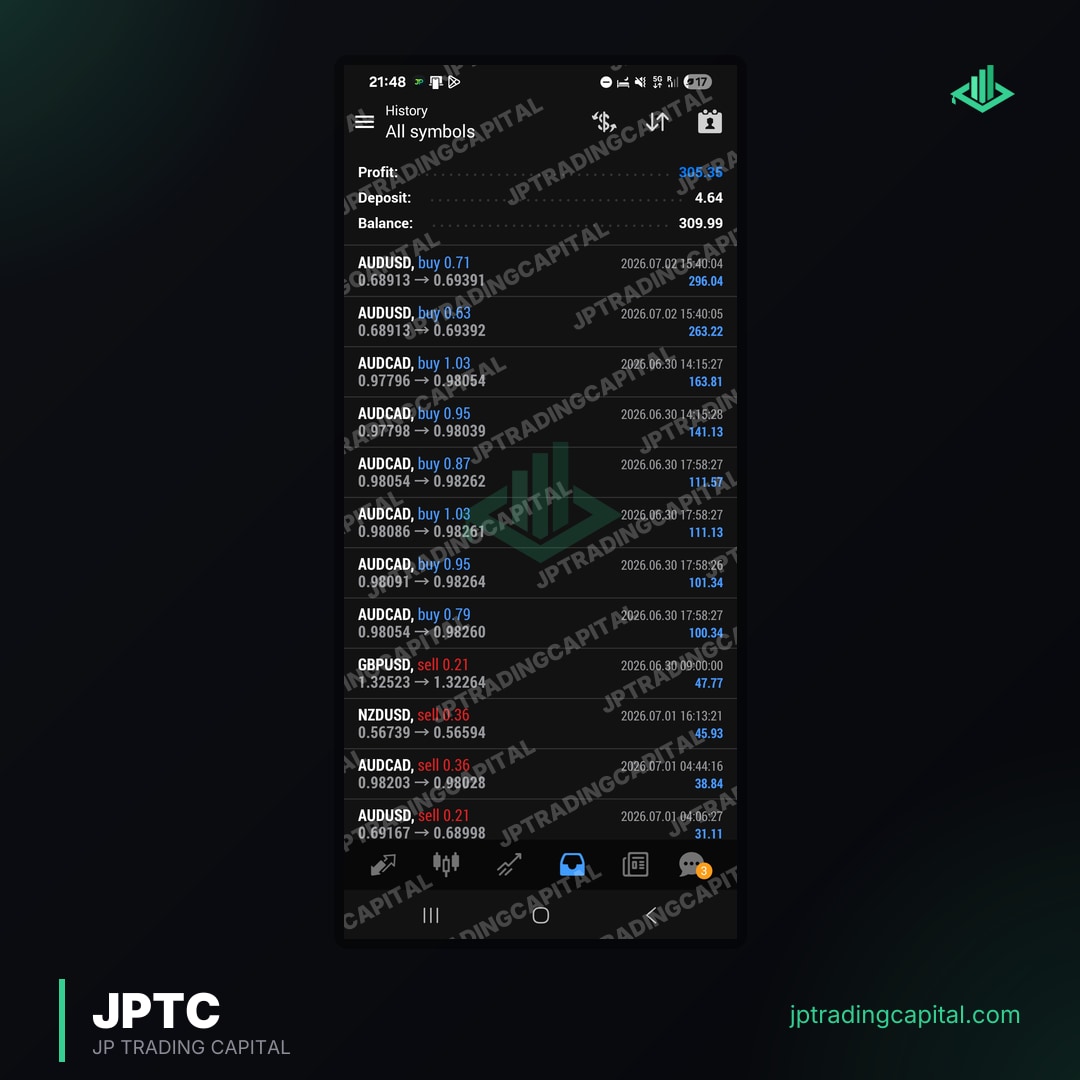
After satisfactory backtesting, the next critical phase is forward testing on a demo account. This involves running the EA in real-time, but with virtual money. Demo testing reveals how the EA performs under current market liquidity, spread conditions, and slippage, which backtests cannot fully replicate. It's recommended to run a demo account for several weeks or even months to observe the EA's behavior across different trading sessions and news events. Documenting results meticulously, including all trades, profit/loss, and drawdown, is essential. For an example of what a 2-year live algo track record looks like, see JPTradingCapital's published results. This level of transparency offers invaluable insight into an EA's long-term viability. Our team at JPTradingCapital consistently evaluates performance data, understanding that verified results are key to confidence. Learn more about our approach to achieving consistent trading results.
The Prop Firm Edge: Using Free EAs to Pass Challenges
Leveraging a free MT5 Expert Advisor for prop firm challenges requires careful selection and rigorous testing to ensure compliance with strict rules like daily drawdown limits, maximum loss, and consistency objectives. Prop trading firms, such as FTMO, FundedNext, and FXify, set specific parameters that traders must adhere to during their evaluation phases. These typically include a maximum daily loss, overall maximum drawdown, and a profit target, often with a minimum trading day requirement. A generic free EA might not be optimized to respect these granular rules, potentially leading to immediate failure of a challenge.
For instance, FTMO's official rules page specifies a 5% maximum daily loss and a 10% maximum drawdown. Many free EAs are designed for raw profit generation and may take on excessive risk, easily breaching these limits. Therefore, if considering a free EA for a prop firm challenge, you must scrutinize its strategy and ensure it has configurable risk parameters that can be set to strictly comply with the firm's rules. This often means adjusting lot sizes, stop-loss levels, and even disabling certain trading days or instruments. The JPTradingCapital team specializes in building automated trading software for prop firm traders, with our flagship JPTC EA Hub pre-configured with backtested strategies that respect these crucial rules. Our tools are designed to help traders navigate challenges across platforms like FTMO, FundedNext, FXify, and others. Discover how our Expert Advisors are designed to help you with passing prop firm challenges.
Beyond "Free": When to Consider Specialized MT5 Expert Advisors
While free MT5 Expert Advisors offer a starting point, traders often consider specialized or paid solutions when seeking enhanced support, consistent updates, or EAs pre-configured for specific objectives like prop firm challenge rules. The limitations of free EAs, such as lack of dedicated support, infrequent updates, or generic strategies not tailored to specific market conditions or trading goals, can become significant hurdles for serious traders. A specialized EA, often developed by experienced teams like JPTradingCapital, typically comes with ongoing development, bug fixes, and performance optimizations. This ensures the EA remains relevant and effective in changing market environments.
Furthermore, paid or specialized EAs often incorporate more advanced features, such as dynamic risk management modules, sophisticated filtering for news events, or adaptive algorithms. For prop firm traders, an EA specifically designed and backtested against prop firm rules offers a distinct advantage, significantly increasing the probability of passing evaluations without manual intervention. These EAs are built with drawdowns, consistency, and maximum loss limits as core considerations, a level of detail rarely found in free offerings. Investing in a specialized EA can be viewed as an investment in a robust, supported, and purpose-built trading tool that aligns directly with professional trading aspirations.
Risk Management and Due Diligence with Any MT5 EA
Effective risk management and thorough due diligence are paramount when utilizing any MT5 Expert Advisor, free or paid, to protect capital and ensure the trading strategy aligns with personal risk tolerance. Regardless of whether an EA is free, its inherent risk profile is tied directly to the strategy it executes. It is critical to understand the underlying logic of the EA: what indicators it uses, its entry and exit conditions, and how it manages trades. Blindly running an EA without this understanding is akin to driving a car without knowing how to steer or brake.
Always apply sound money management principles. This includes never risking more capital than you can comfortably afford to lose, diversifying your trading portfolio (not relying on a single EA or strategy), and appropriately sizing your positions relative to your account balance. Even the best MT5 Expert Advisor free of charge can lead to significant losses if risk parameters are misconfigured or ignored. Regularly monitor the EA's performance, even when running on a demo account, and be prepared to intervene or stop the EA if its behavior deviates from expectations or market conditions change drastically. JPTradingCapital consistently emphasizes disciplined risk management as a cornerstone of successful automated trading.
Frequently Asked Questions
Are free MT5 EAs profitable?
How do I install a free MT5 EA?
Can I use a free MT5 EA on a prop firm account?
What are the risks of using free MT5 EAs?
How can I verify a free MT5 EA's performance?
Forex & Gold Signals, No Monthly Fee
Entry, stop loss and targets on every trade we take. It costs you nothing: open an account through one of our partner brokers and they cover it for you. You place every trade on your own account.
Join the signals channel