When a Trading Algorithm Fails: What Happens and What to Do

When a trading algorithm fails, it rarely stops politely. It keeps doing exactly what its code tells it to do: opening positions with the wrong size, failing to close a trade, sending the same rejected order again and again, or going silent while you think it is working. The damage depends on how fast you notice and which limits sit around the algorithm. Below: the first minutes, five failure types, how they show up in MetaTrader, the impact on a prop firm account and a response plan to write down in advance.
- A failing algorithm does not know it is failing; detection must come from limits outside the strategy logic.
- Failures fall into five groups: logic, data, execution, environment and market regime.
- On a prop firm account, one sizing bug can breach a daily loss limit within a single trading session.
- First stop new orders, then record everything before changing anything.
What actually happens in the first minutes
An Expert Advisor (EA) reacts to each new price with the same rules. If those rules contain a mistake, the mistake repeats at the speed of the market. Typical first-minute symptoms are positions far larger than planned, several positions where there should be one, a stop-loss that never appears, or a burst of error messages in the log.
The quieter failure is an algorithm that simply stops trading. MetaTrader 5 has platform settings that disable automated trading when you switch accounts, profiles or a chart's symbol or period (checked on 17 October 2026). After switching from a demo login to a live one, the EA can sit on the chart doing nothing: no loss, but also none of the exits you relied on.
The human reaction is often the second failure: trading by hand under stress, without a plan, can make a contained problem larger.
Five ways a trading algorithm fails
- Logic errors. A bug in the rules or the sizing formula: reading a stop distance in points instead of pips, using the wrong symbol name, or assuming a hedging account. According to the MetaTrader 5 trading principles, the broker sets whether an account uses netting, with one position per symbol, or hedging, with several positions per symbol.
- Data problems. The test did not match reality. The MT5 help on real and generated ticks warns that in Open prices only mode, stops and pending orders may trigger at a different price than specified. The MT4 tester stores only Bid prices and uses the spread at the start of the test unless you set one.
- Execution failures. The MQL5 OrderSend documentation states that a successful send only means the request was placed in the trading system, not that the trade was executed. The trade server return codes include 10004 (requote), 10006 (request rejected), 10016 (invalid stops), 10019 (not enough money) and 10024 (too frequent requests).
- Environment failures. The terminal closes, the connection drops (return code 10031) or automated trading is disabled in the terminal (10027) or on the server (10026). A slow EA also misses prices: the OnTick documentation says a new tick event is not queued while the previous one is still being processed.
- Market regime change. The code works as written, but the market no longer behaves the way the strategy assumes. That is the strategy failing, not a bug, and no code fix will repair it.
All platform sources in this article were checked on 17 October 2026.
How a failure shows up in MetaTrader
- The log: the same error code repeated, or the same action attempted again and again.
- Trade history: volumes that do not match the setfile, trades outside the configured hours, or symbols the strategy should not trade.
- Open positions: more positions than the maximum, or positions without the stop the rules require.
- Silence: no trades in a period where your test produced several.
- The equity curve: losses deeper or faster than anything in the test, which can mean either a bug or a regime change.
Compare live behaviour with the test in concrete units: trades per week, average volume and largest single loss.
Worked example: one sizing bug against a daily loss limit
Fictional example: a 10,000 dollar account with a 5% daily loss limit, so 500 dollars. The EA should trade 0.10 lot on EURUSD with a 30-pip stop. With a contract size of 100,000 on a dollar account, one standard lot moves 10 dollars per pip, so 0.10 lot moves 1 dollar per pip.
- As intended: a stopped trade loses 0.10 × 10 × 30 = 30 dollars. Sixteen stopped trades lose 480 dollars; only the seventeenth would cross the limit.
- With the bug: a setfile change sends 1.00 lot instead. A stopped trade now loses 1.00 × 10 × 30 = 300 dollars. After one stop, 200 dollars of room is left, and the second trade crosses the limit after 200 / 10 = 20 pips of adverse movement.
The intended setup survives sixteen losing trades in a day; the faulty one breaches the limit before the second trade reaches its stop. A hard volume cap in the code, independent of the setfile, would have rejected the 1.00 lot order.
What a failure means on a prop firm account
Prop firms judge the account, not the software. The FTMO Trading Objectives calculate the maximum daily loss from the balance at 00:00 CE(S)T and require equity, including open positions, swaps and commissions, to stay above that level, so a floating loss counts before any trade is closed. FTMO's strategy FAQ mentions server limits of 200 orders at a time and 2,000 positions per day. Its forbidden trading practices list EAs that generate more than 2,000 server requests per day. All checked on 17 October 2026.
An EA stuck in a loop of order modifications can reach such limits without any large loss. If an account has already breached a rule, After a Prop-Firm Drawdown Breach covers how to review its status and decide on next steps.
A response plan: stop, record, diagnose
- Stop new orders. Turn off automated trading or remove the EA from the chart. Then deal with open positions according to a rule you wrote in advance: close them, or keep them with a protective stop.
- Record before you change anything. Save screenshots of open positions, export the trade history, copy the log and note the EA version, the setfile and the time of each event.
- Classify the failure. Use the five groups above. The return codes in the log usually separate execution and environment problems from logic errors.
- Reproduce it. Run the same version, settings and period in the Strategy Tester to see if the fault appears there too.
- Fix, then retest. After a code or setfile change, test again with a forward period and on a demo account before going back to a funded or live account.
- Write it down. One page per incident: what happened, the cause, the fix and the earlier check that would have caught it.
A short incident checklist for challenge accounts is in Prop Challenge Mistakes: Five Checks After an Incident.
Safeguards to build before the next run
- Hard caps in code: maximum volume per order, maximum open positions and a daily stop based on equity, read with AccountInfoDouble and ACCOUNT_EQUITY, set well below any external limit.
- Result checks: read the return code after every request, retry a limited number of times and stop trading after repeated errors instead of looping.
- Request budget: count orders and modifications per day and stop far below any server limit your broker or prop firm sets.
- Change control: version numbers for code and setfiles, and every change tested on a demo account first.
- Uptime: a terminal that stays on, such as the MetaTrader virtual hosting service or your own VPS, plus a daily look at the log.
For a structured pre-deployment test, see Test a Trading Algorithm: The Deployment Readiness Checklist. Multi-account limits are covered in Automated Drawdown Protection.
How JPTC separates the EA Hub and the hosted Algo
With the JPTC EA Hub, you receive MetaTrader files and setfiles for MT4 and MT5 and run them in your own terminal or on your own VPS. Monitoring and the safeguards above are then your job. A preset named after a prop firm is not approval by that firm and does not guarantee rule compliance.
The JPTC Algo is a separate service: JPTC hosts it on its own infrastructure and connects it to your own MT4 or MT5 broker account, so you install nothing and need no VPS. It is not offered for prop firm evaluations. The results page shows monthly figures JPTC publishes from the broker statement; they are company-published, not independently audited.
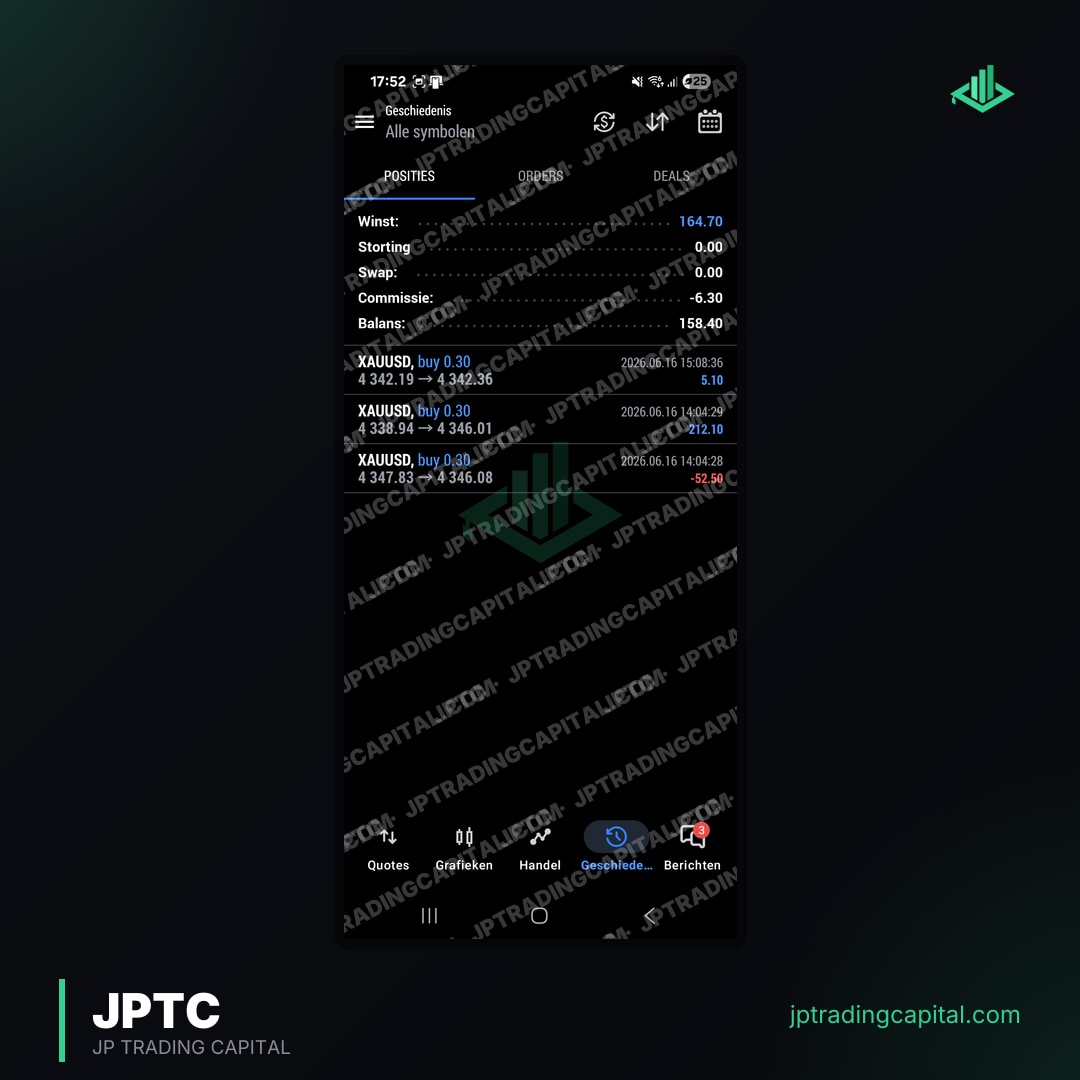
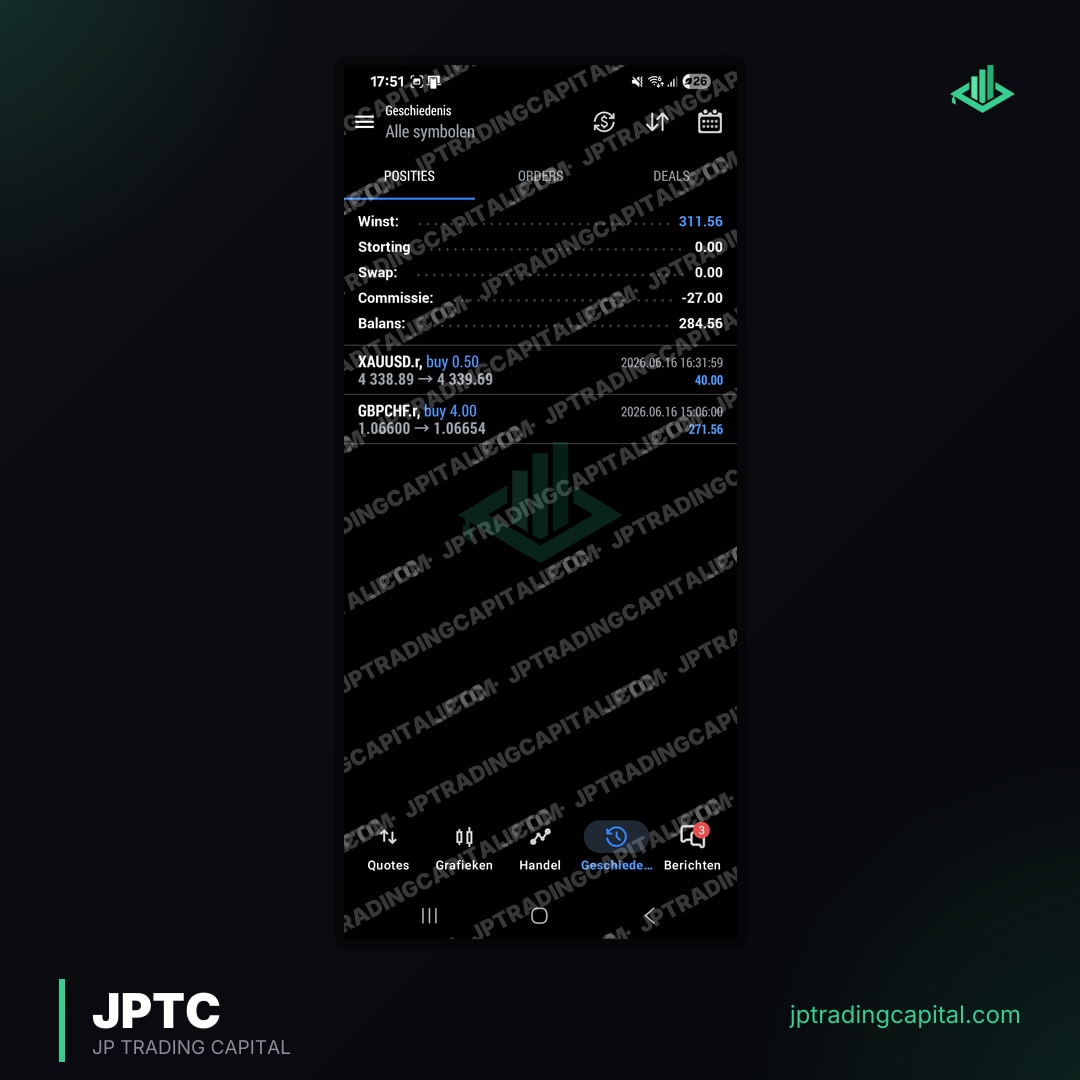
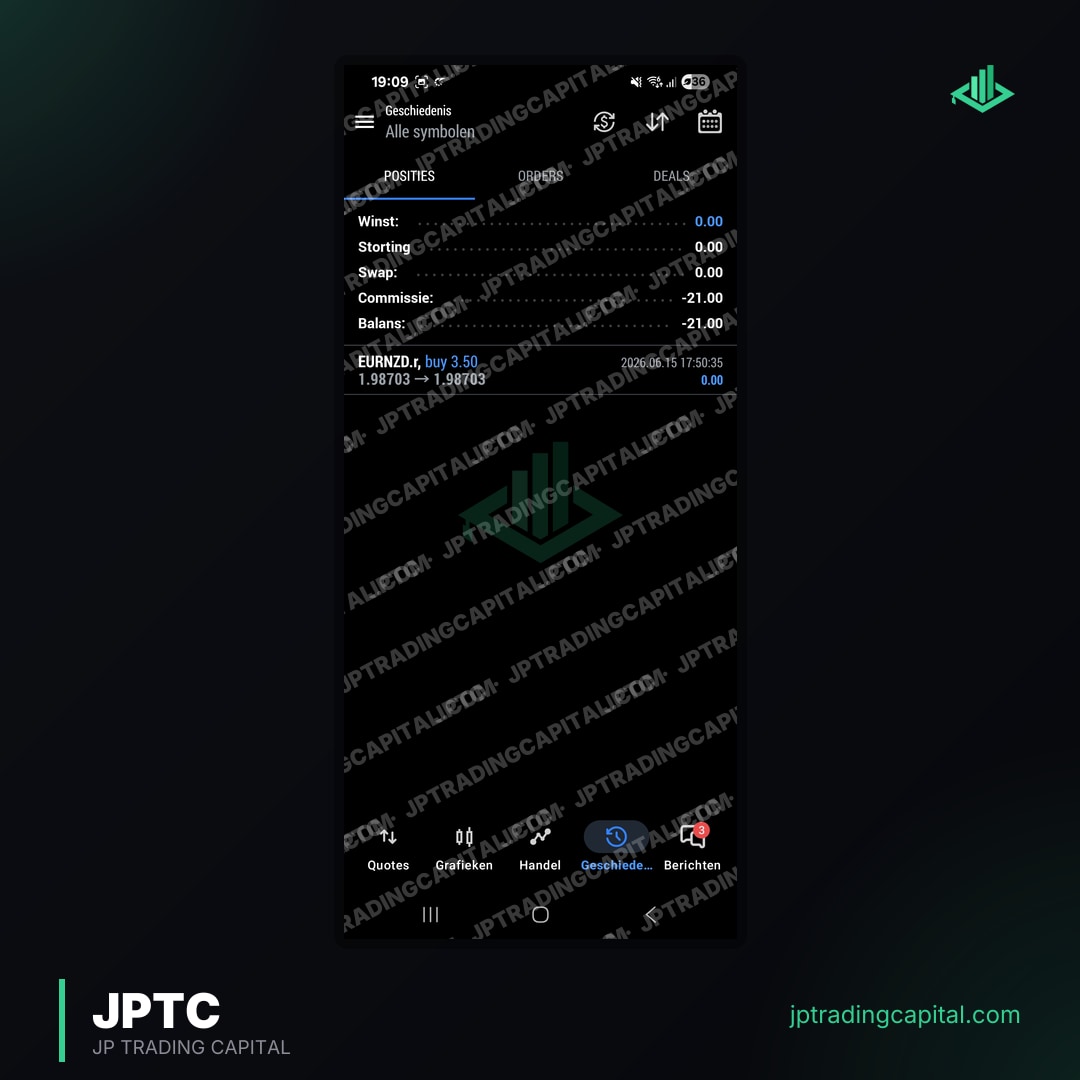
Company-published account screenshots
Individual examples, not typical results or challenge outcomes. See the results page for the monthly figures.



What is the most common reason a trading algorithm fails?
Should I close all positions when my EA misbehaves?
Can an algorithm fail without losing money?
How do I stop an EA from breaching a prop firm daily loss limit?
Can I keep using an algorithm after it failed?
Related articles
Automated forex and gold trading
Runs on your own account at your own broker. We host and set it up, so there is nothing to install and no VPS. No profit share, no monthly fee.
See how it works