Best Forex Auto Trader: How to Choose for Your Account
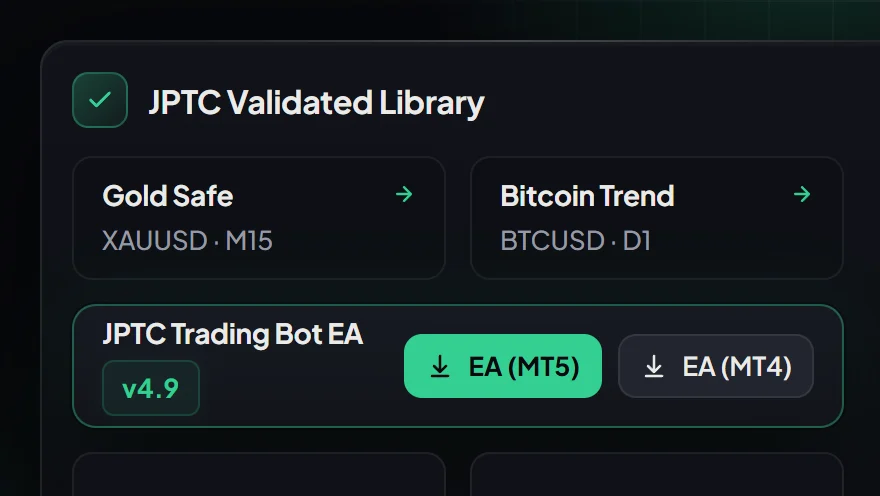
There is no single best forex auto trader. The right one depends on where the account sits. On your own broker account, a hosted algo or supported copying of calls is usually the simplest route. On a prop-firm evaluation, you need an MT4/MT5 expert advisor that is built around that firm's risk rules, and the firm must permit automation at all. No auto trader can promise profit or a challenge pass.
- Own broker account, nothing to run yourself: a hosted algo.
- Own broker account, you want the trade ideas: forex and gold calls, followed manually or copied automatically.
- MT4/MT5 prop-firm evaluation where EAs are allowed: an EA licence you run on your own terminal.
- Futures evaluations at Topstep or Apex: not an MT4/MT5 EA question (see below).
What is a forex auto trader, and which types exist?
A forex auto trader is software that places and manages trades by rules instead of by hand. For a buyer there are three practical shapes:
1. Hosted algo on your own broker account
The provider runs the software on its infrastructure and connects it to your broker account. The JPTC Live Algo works this way: JPTC hosts it, so you install nothing and need no VPS. A minimum account balance applies. It is built to grow your own broker account. It is not offered for prop-firm challenges, evaluations or funded accounts, and no return is promised. Its linked broker account is broker-reported, not independently audited. There is a 14-day money-back if the Algo is not connected and running on your account as shown. Trading results are not guaranteed.
2. An expert advisor on your own MetaTrader terminal
An EA is a licence you download and run on your own MT4 or MT5 terminal, on a reliable PC or a VPS (a VPS is an option where your account provider permits it, not a requirement). You are responsible for keeping it running. The JPTC EA Hub is this type. It is built around prop-firm risk rules for MT4/MT5 prop firms, with configurable setfiles. JPTC does not host it.
3. Calls with supported copying
Forex and gold calls come with entry, stop loss and targets. You can follow them manually, or use supported automatic copying to your own broker account under agreed risk settings and permissions. Copying does not promise matching fills or complete history. There is no monthly VIP fee: access is free to you only through an account at a partner broker. See the signals page for the current setup.
What should you check before paying for any auto trader?
- Account type. Your own broker account and a prop-firm evaluation need different tools. A hosted algo built for your own account should not be pointed at an evaluation.
- Who runs it. Hosted means the provider keeps it running. Self-run means your PC or VPS uptime is your problem.
- Proof. Ask for a broker statement or prop-firm certificates. Be wary of screenshots with no source. JPTC publishes monthly figures from its own broker statement at /results. These are company-published, not independently audited or verified, and they do not predict what your account will do.
- Rules of the venue. Automation can be banned or restricted by the firm, so read the firm's current rules first.
- Commercial terms. Get the current price, refund terms and what the licence covers from the offer page. A backtest or a firm-named preset is not proof of compliance with current rules.
Is an auto trader allowed at your prop firm?
This is where common advice goes wrong. Lists of the best auto traders rarely say that the best EA on paper may be banned where you trade. Check the firm itself:
- FTMO: its forbidden trading practices page covers EAs and account access. Its trading objectives list 5% daily and 10% maximum static loss for the 2-Step, and 3% daily with a 10% end-of-day trailing maximum for the 1-Step.
- FundedNext: per its CFD help centre, EAs are allowed only on MT4 or MT5 accounts below $50K, with a usage fee for third-party EAs. EAs built to pass challenges are banned, and there is no EA use on cTrader or Match-Trader.
- The5ers: third-party automation is banned.
- Apex: automated trading is banned on all account types.
- Topstep: runs on TopstepX only, with no MetaTrader. Bots go through the paid TopstepX (ProjectX) API, per the Topstep help centre. An MT4/MT5 EA does not apply there.
Connect two points that ranking pages treat separately: the loss-limit type and the EA's risk settings. A static daily limit and an end-of-day trailing limit call for different position sizing. An EA's stop and lot settings must be set from the specific account's rules, not from a generic preset. Automation repeats the instructions you give it and can still fail, so it does not remove the need to check every setting against the current rules.
How to choose: a short decision path
- Own capital, want it hands-off: look at the hosted Algo, which runs only on your own broker account.
- Own capital, want the trade ideas or to keep control: use the calls manually or with supported copying, within the agreed permissions.
- MT4/MT5 prop evaluation where the firm permits EAs: choose an EA with configurable risk settings, then set it from that firm's current rules for your exact account version and phase. Keep the account size within what the firm allows for EAs.
- You keep failing on daily loss or drawdown: consider whether the issue is execution or your own risk sizing. A passing service, covered on the passing page, runs until the challenge is passed. The account stays in your name and firm-terms risk sits with you. No one can promise a pass.
If you are on an MT4/MT5 evaluation and want rule-based risk controls on your own terminal, See the JPTC EA Hub →. Confirm the exact programme, account version and current terms before buying, because compatibility is never assumed from a firm name.
Where JPTradingCapital does not fit
- Futures evaluations at Topstep or Apex: the EA Hub does not work there.
- Free or cracked EAs: the EA Hub and Algo are paid and have no free licence.
- Prop-firm accounts for the hosted Algo: it is for your own broker account only.
FAQ
Is there a forex auto trader that never breaches a loss limit?
Do I need a VPS?
Can I use the hosted Algo on a prop-firm challenge?
Are the published results verified?
Related Articles
- Choosing Automated Trading Forex Brokers for Your Strategy · Read more →
- Trading Algorithmus: How to Choose One That Fits Your Account · Read more →
- Funded Trading Accounts: What to Check Before You Pay · Read more →
- Metatrader Auto Trading: How to Run EAs and Manage Risk · Read more →
- Automated Algo Trading Market: Choosing the Right Setup · Read more →
- Copytrade Forex: Automate Trading or Follow Expert Calls · Read more →
- Instant Forex Funding With No Delays: True Costs and Rules · Read more →
- Forex Trading Broker Directory: How to Filter Real Brokers · Read more →
Automated forex and gold trading
Runs on your own account at your own broker. We host and set it up, so there is nothing to install and no VPS. No profit share, no monthly fee.
See how it works